


Plug and Play Iindustrial Measurement Development Platform
-
 Training Tool Learning Watch time - 4:361. Show how Nu-Link2-Pro can use ICP Programming Tool on PC to program target chips online 2. Show how Nu-Link2-Pro drag and drop files to the NuMicro MCU drive to program the target chip online - For more information, please visit Nuvoton Technology Website: https://bit.ly/3hVdcmC Buy now: https://bit.ly/3bk0AD8 Contact us: SalesSupport@nuvoton.com #en #Tool #Training #Intermediate #Learning
 -
 Training Tool Learning Watch time - 4:14The video will introduce you the NuMicro™ Family M251/M252 Series BSP, includes how to download the BSP and introduction of each sample codes and folders. And help you use the template to develop your first M251/M252 program. #Tool #Training #Learning #Intermediate #en - For more information, please visit Nuvoton Technology Website: https://bit.ly/3hVdcmC Buy now: https://direct.nuvoton.com/numaker-m251sd Contact us: SalesSupport@nuvoton.com
 -
 Training Tool Learning Watch time - 0:41The new-generation Nu-Link2-Pro has debugging functions, ETM tracking, serial data analysis, and USB-to-serial communication bridge. The fast programming speed and convenient firmware upgrade of ISP products allow customers to process more quickly and conveniently at every stage from development to mass production, increasing the development and mass production efficiency. It is an indispensable weapon for engineers' product development and mass production upgrade. - For more information, please visit Nuvoton Technology Website: https://bit.ly/3hVdcmC Buy now: https://bit.ly/3bk0AD8 Contact us: SalesSupport@nuvoton.com #en #Tool #Training #Intermediate #Learning
 -
 Training Tool Learning Watch time - 3:19This video introduces how to download and install Arm Keil, and its content includes how to use Nuvoton's product serial number to apply for an Arm Keil product serial number and how to receive a product serial number that can be used in the activation step. Help you to install and use Arm Keil easily, and through Nuvoton's product serial number, free (M0 series) or half price (M23, M4 series) use Arm Keil product serial number. #Tool #Training #Learning #Intermediate #en - For more information, please visit Nuvoton Technology Website: https://bit.ly/3hVdcmC Buy now: https://direct.nuvoton.com/numaker-m251sd Contact us: SalesSupport@nuvoton.com
 -
 Product Learning Watch time - 5:0Introduce the waterproof and noise immunity of ML56 touch key. Hello! Everyone! I am Nuvoton FAE Tim. Today, I will show you the waterproof and noise immunity of ML56 touch key. First introduce the waterproof and noise immunity of ML56 touch key. Good waterproof function, support finger touch with 2 mm depth water droplet. IEC 61000-4-6 conducted noise immunity (CNI) with 10 Vrms noise voltage. Next, we will explain the related parameter settings of the ML56 touch key, and first explain the touch sensitivity. #Pulse Width (Touch key sensing pulse width time control) Touch key sensitivity can be adjusted by setting Pulse Width properly, shorter Pulse Width setting comes with poor sensitivity and less power-consumption, vice versa. Then explain the stability of touch performance, Part 1. #Times (Touch key sensing times control) Touch key raw data stability can be adjusted by setting Times properly, shorter Times setting comes with poor raw data stability and less power-consumption, vice versa. Stability of touch performance, Part 2. #IIR (IIR filter) IIR filter can control the ratio of current raw data and previous one. User can enable IIR Filter to be against noise. It will increase the touch response time when enables IIR Filter. Stability of touch performance, Part 3. #Debounce (Touch key debounce) Touch key stability can be adjusted by setting Debounce properly, the debounce times for touch key entry (on) and release (off) detection, shorter Debounce setting comes with faster touch response time, vice versa. Stability of touch performance, Part 4. #Trace Baseline (Baseline is generated by “Calibration”) Touch key auto environment compensation is an algorithm that baseline tracking each touch key automatically at power-up and keeps compensating environment variation affects touch key performance during runtime. Based on the above parameter description, the following introduces the waterproof and noise immunity parameter settings. The first is waterproof parameter setting. Good waterproof function, support finger touch with 2 mm depth water droplet. Touch key system parameters are shown in the table Pulse Width = 500 ns Times = 128 Next is the noise immunity parameter setting IEC 61000-4-6 conducted noise immunity (CNI) with 10 Vrms noise voltage. Touch key system parameters are shown in the table. Pulse Width = 2 us Times = 128 IIR New = 6, Old = 2 Debounce Entry = 1, Release = 1 Then we use the ML56 NuMaker Board to show you the waterproof function of the touch key. Dip the finger in water first, and then touch the touch key. Repeat the above actions, we can see that the touch key still works normally and is not affected. Finally, we use the ML56 NuMaker Board to show you the noise immunity ability of the touch key. Turn on the walkie-talkie first, and then interfere with the touch key at close range, we can see that the touch key still operate normally and is not affected. That's all for today's video, thank you everyone! If you have any questions, please contact us. - For more information, please visit Nuvoton Technology Website: https://bit.ly/3hVdcmC Buy now: https://direct.nuvoton.com Contact us: SalesSupport@nuvoton.comon.com #Product #Learning #Basic #en#Basic #ML56 #NuMicro #Pulse Width (Touch key sensing pulse width time control) #IIR (IIR filter) #Product #en #Trace Baseline (Baseline is generated by “Calibration”) #Times (Touch key sensing times control) #8051 #Learning #Debounce (Touch key debounce) #Nuvoton #touch key IC #noise immunity #low power #ML54 #waterproof #MCU #ML51
 -
 Training Learning Watch time - 4:0Take Nuvoton NuMaker-IIoT-NUC980 running Linux as the platform and learn how to develop various functions. Watch this video and you will learn how to install Buildroot for NuMaker-IIoT-NUC980 board before starting development. - For more information, please visit Nuvoton Technology Website: https://bit.ly/3hVdcmC Buy now: https://direct.nuvoton.com/en/numaker-iiot-nuc980 Contact us: SalesSupport@nuvoton.com #Training #Learning #Basic #en
 -
 Training Tool Learning Watch time - 3:24Hello everyone I am Chris, the Field Application Engineer from Nuvoton Technology. Today I will introduce the programming and debugging tool, called NuLink-Gang, and NuLink2-Pro. And I will show you in what kind of situation you can utilize the tools. During system development, Nuvoton provides three IDE interfaces: KEIL, IAR, and NuEclipse for user to develop source code. When programming the Chip, Nuvoton provides ICP programming Tool in PC and the debugger Nu-Link2-Pro for users to perform debugging and programming function. User who uses all of the Nuvoton Nu-Maker boards series can develop through the Nu-Link2-Me debugger and programmer; it’s attached to the board. During the mass-production stage, there are 2 modes for programming the target chip. One is online programming and the other is offline programming. At first, in online programming mode, user can use ICP programming Tool and a Nu-Link2-Pro to program a target chip. Besides, if it needs to program several chips at one times, the Nu-Link Command Tool supports program multiple develop board by several Nu-Link2-Pro. Nu-Link2-Pro also supports drag-and-drop Flash programming. User can intuitively complete the programming action. Nu-Link2-Pro In offline programming mode, user can pre-store the programming file in SPI flash, USB flash drive, or SD card. When user wants to program the target chip, pressing the programming button on Nu-Link2-Pro to complete the programming action. If it needs a large number of ICs to be programming, it recommends using the Nu-Link-Gang programmer. Nu-Link-Gang programmer can perform offline programming on four different chips at a time, significantly increasing the programming efficiency. Besides, Nu-Link-Gang programmer can also use the control bus to connect with an automatic programming machine for automatic programming. In the system upgrade, Nu-Link2-Pro also provides five standard communication interfaces such as SPI, I2C, UART, RS485, and CAN for transmission, which is convenient for users to upgrade the system. That’s all for the introduction of Nuvoton’s programming and debugging tool, NuLink-Gang, and NuLink2-Pro. Thank you for watching it. If you want to know more details, please contact us! Thank you. #Tool #Training #Learning #Intermediate #en - For more information, please visit Nuvoton Technology Website: https://bit.ly/3hVdcmC Buy now: https://direct.nuvoton.com/numaker-m251sd Contact us: SalesSupport@nuvoton.com
 -
 Product Application Webinar Watch time - 59:3Developing IoT devices can be a painful process. In this webinar, you will learn how to develop an IoT enabled device quickly and easily with Nuvoton IoT platforms. We will cover IoT device system architectures, security consideration, development kits for different cloud services, and the latest practices to bring your IoT products time to market quickly. Speaker: UE00 Senior Product Marketing Manager, Harry Chen - For more information, please visit Nuvoton Technology Website: https://bit.ly/3hVdcmC Buy now: https://bit.ly/3bk0AD8 Contact us: SalesSupport@nuvoton.com #Product #Application #Webinar #General #en
 -
 Application Learning Watch time - 4:3The purpose of video is to demonstrate functions of NuMaker-RTU-NUC980 within 5 minutes, including Ethernet webserver, Wi-Fi webserver, USB camera, and NFS function. If you get the NuMaker-RTU-NUC980 board, you can follow this video to implement all the functions #application #learning #intermediate #en - For more information, please visit: https://bit.ly/3hVdcmC Buy now: https://direct.nuvoton.com/en/numaker-rtu-nuc980-chili-board Contact us: SalesSupport@nuvoton.com
 -
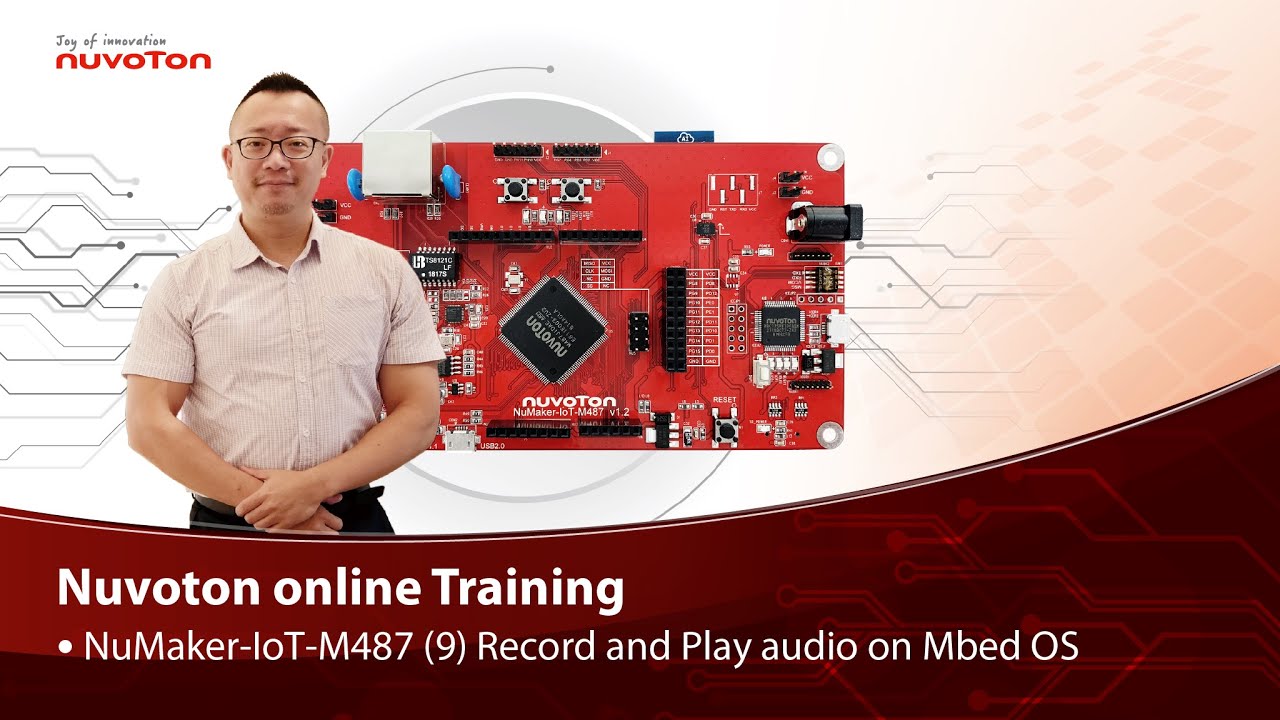 Training Tool Learning Watch time - 5:0Hello everyone, I am Morgan, the principal engineer of Nuvoton Technology. Today, I will show you how to record and play audio with Mbed OS on NuMaker-IoT-M487 development board. Open Chrome browser, and enter the URL https://ide.mbed.com to use the Mbed Online Compiler. After log in, make sure that NuMaker-IoT-M487 board already selected in the upper right corner. If not, please refer Nuvoton IoT Tutorial series “Get Started with Mbed OS” which has a detailed description of how to add a board. Click the “New” on the left of menu bar, a “Create new program” window will be displayed. You can see that the Platform has been set to NuMaker-IoT-M487. In the Template, select the "NuMaker audio playback" for this tutorial. Then click OK. Now you can see that the sample code has loaded on the page. The sample code has three functions: 1. Record 10 seconds sound and save to Micro SD card 2. Play sounds stored in Micro SD card 3. Loopback. Record sound and play it immediately. Click main.cpp to open it. Then scroll down to line 421. You can see the functions calls here. It set to loopback only. Let’s do a little modification. Hit a key on console to start record 10 seconds then play it, and then do loopback. printf("Press a key to start recording 10 seconds..."); getchar(); demo_record(); demo_play(); demo_loopback(); Save it and click “Compile” to build the code. Compilation takes a while, please wait. After the compilation is completed, “Success” will appear in the compile output window. The browser downloads the binary firmware file directly after a successful compiling. It will be saved in a default download folder. In Chrome, you can click download file and select “Show in folder”. Please plug an earphone commonly used for mobile phone in headphone jack on NuMaker-IoT-M487 board. For demonstration, we use a headphone splitter cable to connect a microphone and a speaker. Do not put the microphone and speaker too close to avoid feedback howling. Then connect the USB port to your computer and make sure the onboard LED lights up. Back to the folder you just download the binary firmware file (NuMaker-mbed-AudioPlayback-example.NUMAKER_IOT_M487.bin). Drag and drop the file to NuMicro MCU drive. You will see the copying progress dialog box. Please find the virtual COM port assigned for NuMaker-IoT-M487 in Device Manager. In the demonstration, the “Nu-Link Virtual Com Port” is COMx. Then use your favorite terminal tool. Here we use Putty. Open the COMx port with 9600 baud rate. And no flow control settings. Then “Open” it. Press “Reset” on board to run the firmware again. Press a key on terminal to start record. Speak for about 10 seconds, then your voice will be played. That’s all for this tutorial. Thank you for watching. Welcome to subscribe to our channel. If you want to get more information, please contact us “SalesSupport@nuvoton.com” - For more information, please visit Nuvoton Technology Website: https://bit.ly/3hVdcmC Buy now: https://direct.nuvoton.com/en/numaker-iot-m487 Contact us: SalesSupport@nuvoton.com #tool #training #learning #intermediate #en
 -
 Training Tool Learning Watch time - 3:51Hello everyone, I am the principal engineer of Nuvoton Technology, Morgan. Today, I will show you how to use Mbed OS on the NuMaker-IoT-M487 development board to control LED and buttons. First, open Chrome browser, enter the URL https://ide.mbed.com. Please make sure that NuMaker-IoT-M487 board already selected in the upper right corner after you log in. If not, please refer Nuvoton IoT Tutorial series “Get Started with Mbed OS” which has a detailed description of how to add a board. Then click the “New” on the upper left, a “Create new program” window will be displayed. You can see that the Platform has been set to NuMaker-IoT-M487. In the Template field, select the "NuMaker GPIO Interrupt with Debounce Setting" for this tutorial. Then click OK. Now you can see that the sample code has loaded on the page. Click on “main.cpp”, this sample code uses SW2 button for demonstration. Click on “Compile” to build it. It is in compiling, please wait a moment. Then you can see a lot of messages at the bottom of the page. The last message is “Success!” The browser will download the binary firmware file directly after a successful compiling. It will be saved in a default download folder or the folder based on your browser setting. In Chrome, you can click download file and select “Show in folder”. Then we have to connect the NuMaker-IoT-M487 USB port to your computer and make sure the onboard LED lights up. Let’s head back to the download folder where you can see the binary firmware file (NuMaker-mbed-GPIO-Interrupt.NUMAKER_IOT_M487.bin). Drag and drop the file to NuMicro MCU drive. You will see the copying progress dialog box. Next step is to press the SW2 button on the board to toggle LED. You can see the reaction of each press. That’s all for this tutorial. Thank you for watching. Welcome to subscribe to our channel. If you want to know more information, please contact us at SalesSupport@nuvoton.com - For more information, please visit Nuvoton Technology Website: https://bit.ly/3hVdcmC Buy now: https://direct.nuvoton.com/en/numaker-iot-m487 Contact us: SalesSupport@nuvoton.com #Tool #Training #Learning #Intermediate #en
 -
 Watch time - 5:46經由ADC量測Bandgap電壓,能夠反推電池的電壓,再搭配電池的規格文件,可得知產品目前所剩電量。另外,結合新唐晶片內部紀錄bandgap電壓的機制,可以消除不同晶片間的製程誤差,以得到更精準的電池電壓量測結果。 - 更多產品資訊,請至新唐科技網站 https://bit.ly/3hVdcmC 購買管道:https://direct.nuvoton.com/tw/ 聯絡我們: SalesSupport@nuvoton.com
 粤公网安备 44030502010001号