Suche
Suchergebnisse
SucheNuMicro HMI platform ,
finden 93 items
- Sortieren
- Nach Zeit
- Nach Popularität
Uhrzeit - 5:45
The video introduces Nuvoton's emWin graphic library for HMI applications, it also includes the breif HMI introduction, emWin resources.
-
For more information, please visit Nuvoton Technology Website: https://bit.ly/3hVdcmC
buy now: https://direct.nuvoton.com/
contact us: SalesSupport@nuvoton.com
Ausbildung
Applikationen
Tool
Webinar
Uhrzeit - 59:50
Always want to knock on the door and get in the MCU world? Here is a perfect entrance for you!
To let anyone interested in MCU familiar with Nuvoton’s development environment, we provide you a beginner course. Thus, you can have not only a whole picture of Nuvoton’s Development platform, including EVB, debugger/programmer, IDE, BSP, and software, but can also implement a very first project in this workshop.
Nuvoton has a user-friendly environment even for beginners, so don’t hesitate to join us. Let Novoton’s rookie lead your way!
Before we get started, please follow the steps before the workshop.
1. Terminal Emulator Download
PuTTY:An open-source SSH and telnet client for the Windows platform.
Download – "putty.exe" https://www.putty.org/
2. IDE Installation - KEIL MDK Nuvoton edition M0 / M23
>Enter Contact Information
>Download and Install
>Get and Add License
Download link:https://www2.keil.com/nuvoton/M0-M23
Tutorial:https://youtu.be/dzp9sAm4vmg
-
Agenda:
• NuMicro® Ecosystem
• Nuvoton Golden 3 Steps
• NuMaker Board Unboxing & Introduction
• Practice for Very Beginner - Get Started by Quick Start
• Summary
-
For more information, please visit Nuvoton Technology Website: https://bit.ly/3hVdcmC
buy now: https://direct.nuvoton.com/
contact us: SalesSupport@nuvoton.com
#Application #Tool #Training #Webinar #General #en
Produkte
Tool
Lernen
Uhrzeit - 9:49
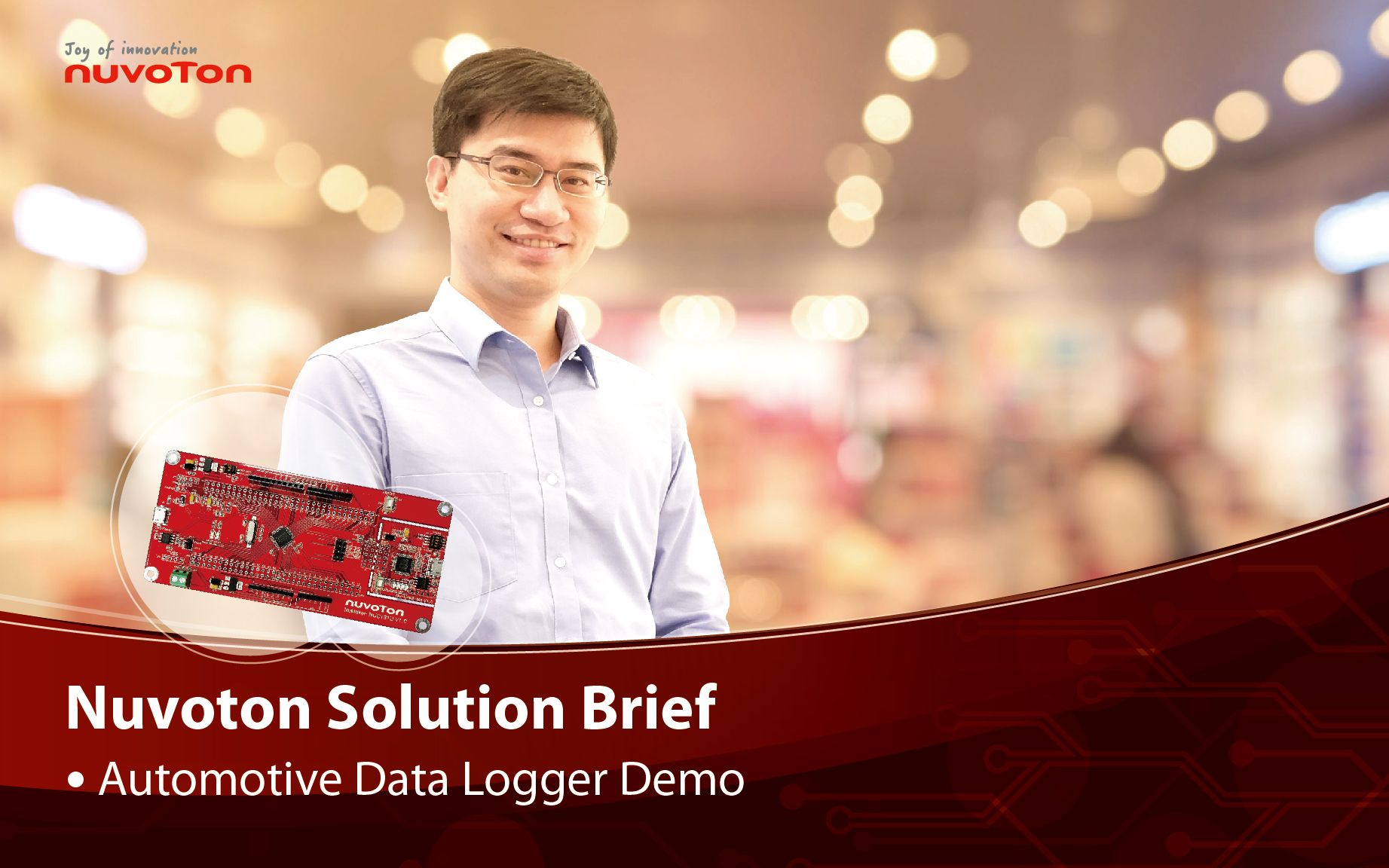
The video includes introductions to Nuvoton's MCU Cortex-M4 and MPU N9H series and how to choose suitable MCU or MPU under HMI platform. Customer successful cases are avaliable in this video.
#Basic #Product #Tool #Learning #en
-
For more information, please visit Nuvoton Technology Website: https://bit.ly/3hVdcmC
buy now: https://direct.nuvoton.com/
contact us: SalesSupport@nuvoton.com
Uhrzeit - 5:0
To build an IoT application, you need sensing devices, hubs or gateway, and secure network connection to cloud to process data. Nuvoton NuMaker platforms integrate essential features for customers to build IoT applications for various scenario. The short video briefly introduces the inside of Nuvoton NuMaker platforms.
-
For more information, please visit Nuvoton Technology Website: https://bit.ly/3hVdcmC
buy now: https://direct.nuvoton.com
contact us: SalesSupport@nuvoton.com
Produkte
Lernen
Uhrzeit - 4:58
Nuvoton announced the latest ML51/ML54/ML56 microcontroller, built-in capacitive touch sensing, LCD driver highly integrated low power platform. Based on 1T 8051 core, running up to 24MHz, the power consumption in normal run mode is 80uA/MHz, lower than 1uA in power down mode the power consumption while power down with LCD on is lower than 20uA.
-
For more information, please visit Nuvoton Technology Website: https://bit.ly/3hVdcmC
Buy now: https://direct.nuvoton.com
Contact us: SalesSupport@nuvoton.com
#Product #Learning #Basic #en
Produkte
Applikationen
Lernen
Uhrzeit - 2:24
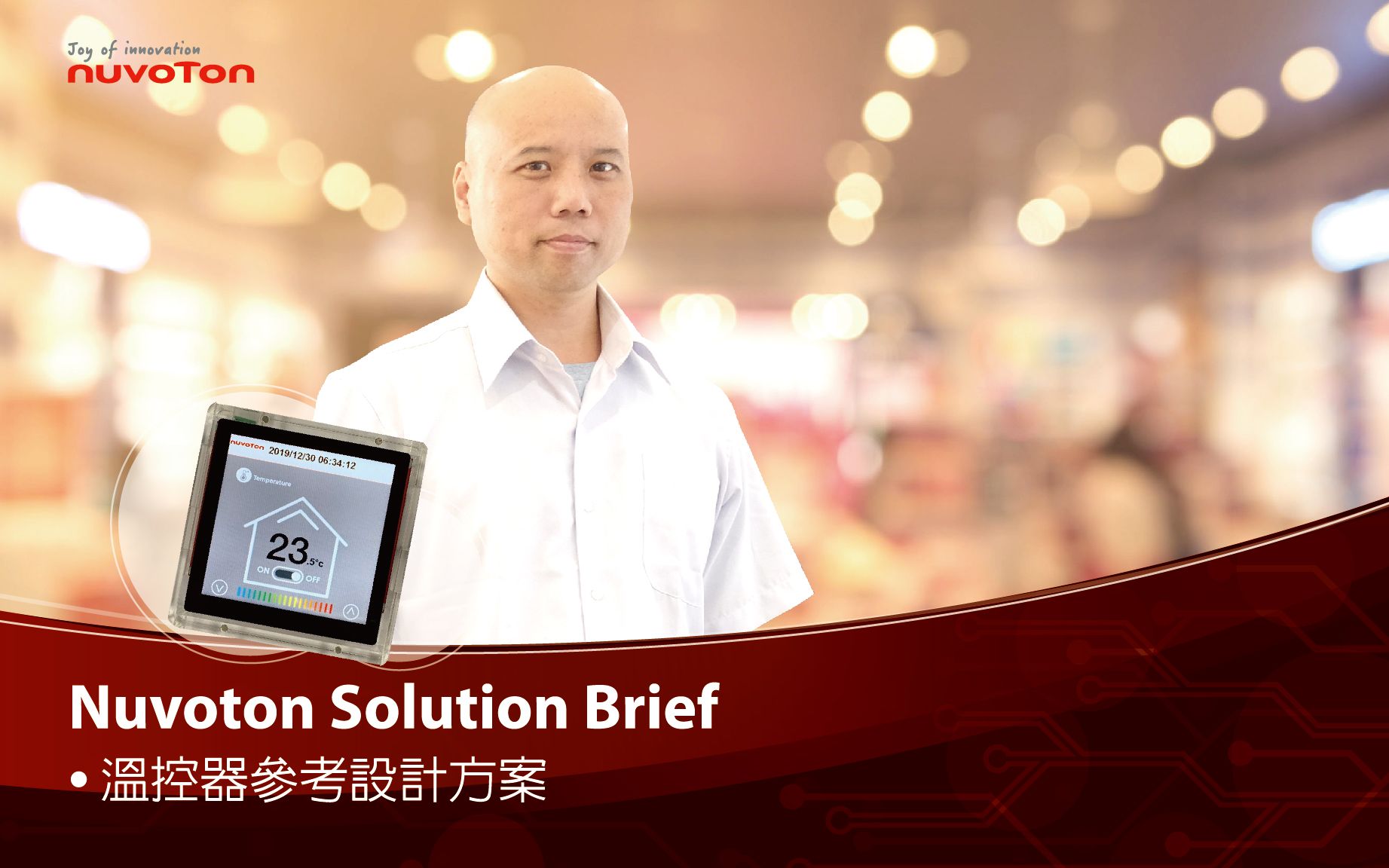
Hello everyone. Welcome back to Nuvootn’s YouTube channel. This is a reference design of a thermostat made by Nuvoton. The first screen shows the current room temperature of 25 degrees Celsius. You can also set your target temperature through the control panel. The middle switch is the power switch of temperature control. Press the Temperature icon and you can adjust backlight brightness by slide control.
Back to the function page, press the Snow icon where you can change the strength of the air conditioner. You can increase or decrease the strength by these up and down arrows or you can press the snow icon for adjustment. Changing the heater, dehumidifier, and fan are the same. The third page is a calendar where you can set the date to book opening and closing the temperature control. What you saw is the reference design introduction.
Now let’s talk about the composition of the board. In the middle of the board is a Nuvoton N9H20 main control chip. This main control chip has built-in 32 Mbytes DDR so the board is very clear and the hardware design is easy. At the top side, there is a 1 Gbits NAND Flash for code and pictures storage. At the bottom left there is a connector to the UART control interface. In the middle left area, there is a 5 Voltage (Micro USB) power input. In the upper right corner, there is an RS485 connection. Through this green connector, you can connect to RS485 for fans, air conditioners, and other devices' control. In the lower right corner, there is a chip for power IC and some other parts. The application reference design is concise and powerful. That’s all for the hardware introduction. Thank you for watching.
-
For more information, please visit Nuvoton Technology Website: https://bit.ly/3hVdcmC
buy now: https://direct.nuvoton.com
contact us: SalesSupport@nuvoton.com
#Product #Application #Learning #Intermediate #en
Ausbildung
Lernen
Uhrzeit - 9:51
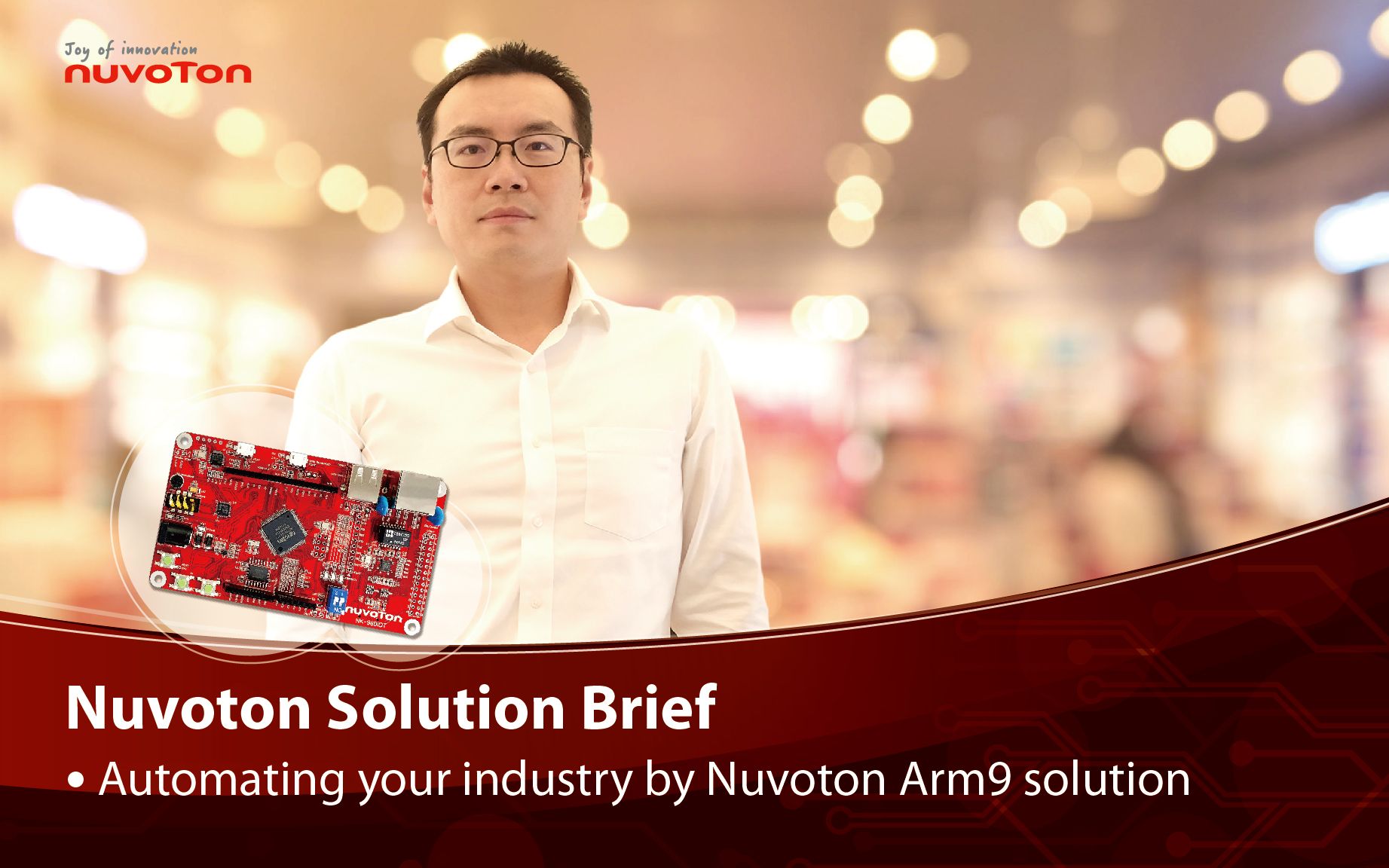
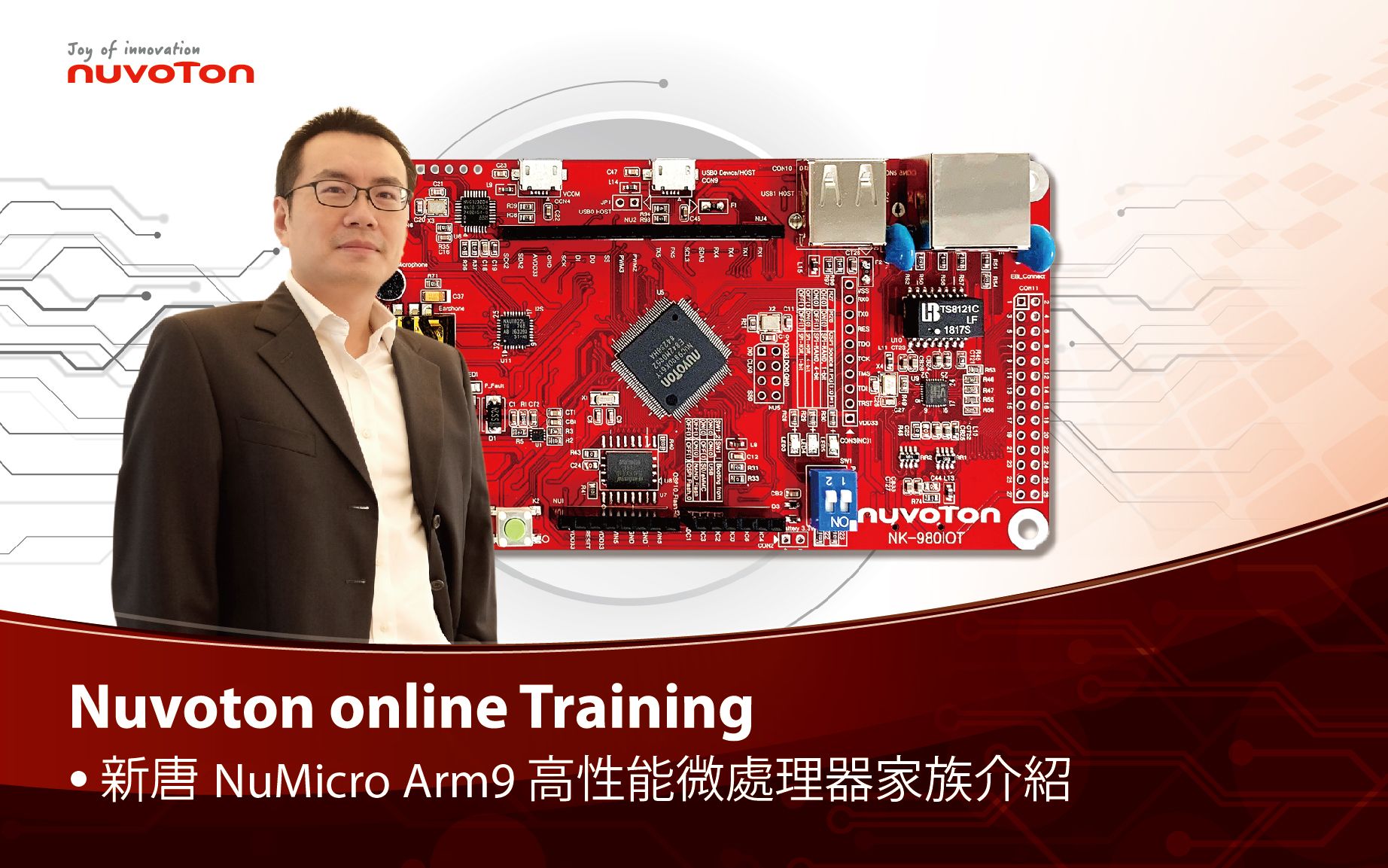
Take Nuvoton NuMaker-IIoT-NUC980 running Linux as the platform and learn how to develop various functions. Watch this video, you will learn how to use Ethernet to connect to AWS IoT service on NuMaker-IIoT-NUC980 board.
-
For more information, please visit Nuvoton Technology Website: https://bit.ly/3hVdcmC
Buy now: https://direct.nuvoton.com/en/numaker-iiot-nuc980
Contact us: SalesSupport@nuvoton.com
#Training #Learning #Intermediate #en
Uhrzeit - 4:15
Take Nuvoton NuMaker-IIoT-NUC980 running Linux as the platform and learn how to develop various functions. Watch this video, you will learn how to use cellular, such as LTE or NB-IoT, to connect to network on NuMaker-IIoT-NUC980 board.
-
For more information, please visit Nuvoton Technology Website: https://bit.ly/3hVdcmC
Buy now: https://direct.nuvoton.com/en/numaker-iiot-nuc980
Contact us: SalesSupport@nuvoton.com
Ausbildung
Lernen
Uhrzeit - 2:44
Take Nuvoton NuMaker-IIoT-NUC980 running Linux as the platform and learn how to develop various functions. Watch this video, you will learn how to connect to network via Ethernet on NuMaker-IIoT-NUC980 board.
-
For more information, please visit Nuvoton Technology Website: https://bit.ly/3hVdcmC
Buy now: https://direct.nuvoton.com/en/numaker-iiot-nuc980
Contact us: SalesSupport@nuvoton.com
#Basic #Training #Learning #en
Uhrzeit - 3:13
Take Nuvoton NuMaker-IIoT-NUC980 running Linux as the platform and learn how to develop various functions. Watch this video, you will learn how to control GPIO to blink the LED on NuMaker-IIoT-NUC980 board.
-
For more information, please visit Nuvoton Technology Website: https://bit.ly/3hVdcmC
Buy now: https://direct.nuvoton.com/en/numaker-iiot-nuc980
Contact us: SalesSupport@nuvoton.com
Produkte
Lernen
Uhrzeit - 6:6
Nuvoton announced the latest ML56 microcontroller, built-in capacitive touch sensing, LCD driver highly integrated low power platform. And provides capacitive touch sensor and LCD driver library. The solution is delivered through the API guide, which includes details on each function call, parameters and returns. Finally, this video provides an overview on how to develop a custom touch key and LCD application from the BSP release.
-
For more information, please visit Nuvoton Technology Website: https://bit.ly/3hVdcmC
Buy now: https://direct.nuvoton.com
Contact us: SalesSupport@nuvoton.comon.com
#Product #Learning #Basic #en
Ausbildung
Lernen
Uhrzeit - 4:0
Take Nuvoton NuMaker-IIoT-NUC980 running Linux as the platform and learn how to develop various functions. Watch this video and you will learn how to install Buildroot for NuMaker-IIoT-NUC980 board before starting development.
-
For more information, please visit Nuvoton Technology Website: https://bit.ly/3hVdcmC
Buy now: https://direct.nuvoton.com/en/numaker-iiot-nuc980
Contact us: SalesSupport@nuvoton.com
#Training #Learning #Basic #en
粤公网安备 44030502010001号