検索

選択されたアイテム

検索結果

検索Mbed OS , 合計 33 items
  • 並べ替え
  • 時間別
  • 人気別
製品  アプリケーション  学ぶ  ビデオの長さ - 1:43
NuMicro® MA35D1は、デュアルコアのCortex-A35高性能マイクロプロセッサであり、RTOSとLinuxの両方を同時に実行することが可能です。これにより、高速な起動、リアルタイム制御、多様なアプリケーションへの対応を実現し、両オペレーティングシステムの強みを活かしたソリューションを提供します。 Linuxは、ネットワーキング、マルチメディア、マルチタスク処理に優れており、豊富なソフトウェアツールと幅広いハードウェア互換性によって統合を容易にします。一方、RTOSは、リアルタイムの産業用制御シナリオにおいて、安定かつ予測可能な応答時間を確保します。 効率的かつ柔軟なソリューションを提供するために、Nuvoton MA35D1はRTOSとLinuxのシームレスな統合を可能にし、ハードウェアの活用とシステム性能の最大化を実現します。 #Nuvoton #NuMicro #Microcontroller #MCU #ja #MA35D1 #Cortex-A35 #Industrial Control #dual-OS #RTOS #Linux # HMI #AMP #Qt #Qt for MCU #Advance #Product #Application #Learning - For more information, please visit Nuvoton Technology Website: https://bit.ly/3hVdcmC buy now: https://direct.nuvoton.com/ contact us: SalesSupport@nuvoton.com
アプリケーション  セミナー  ビデオの長さ - 2:3
The MA35D1 is a dual-core Cortex®-A35 high-performance microprocessor capable of running RTOS and Linux simultaneously. It delivers fast boot times and real-time control and meets today's market's diverse and complex application requirements. #Embedded World #EW2025 #Dual-OS #Cortex-A35 #MPU #MA35D1 #Intermediate #Application #Seminar #nuvoton #NuMicro #Microcontroller #MCU #en - For more information, please visit Nuvoton Technology Website: https://bit.ly/3hVdcmC buy now: https://direct.nuvoton.com/ contact us: SalesSupport@nuvoton.com
製品  学ぶ  ビデオの長さ - 4:26
NUC980 シリーズ マイクロプロセッサは、ゲートウェイ、シリアルサーバー、リモートコントロールユニット、プラグアンドプレイのデータコレクター、IoT 開発プラットフォームなどの産業用制御および産業用 IoT アプリケーション向けに設計されたソリューションです。 NUC980 シリーズは ARM9 コアを搭載し、Linux、FreeRTOS、Non-OS ボードサポートパッケージをサポートしています。MCP 技術を使用することで、最大 128 MB の DRAM をサポート。これにより、ハードウェア設計を簡素化し、製品の市場投入までの時間を短縮できます。PCB の層数削減や小型化により、BOM コストを低減できます。 NUC980 は 2 つの高速 USB ホストと 6 つのフルスピード USB ホストを搭載しており、USB インターフェースのプラグアンドプレイ機能を活用してモジュールの交換が可能です。その他のインターフェースとして、10 UART、4 I2C、3 SPI、4 CAN バス、および 2 つのカメラセンサーインターフェースを備えており、設計者は必要なデータの収集や変換に利用できます。 また、NUC980 は AES、RSA、SHA、ECC のハードウェア暗号アクセラレーターを搭載し、CPU の負荷を軽減できます。この暗号エンジンはデータ転送、認証、鍵交換に適用可能です。さらに、Nuvoton は HTTP、HTTPS、MQTT、CoAP、OpenSSL などの IoT プロトコルを提供し、セキュアな IoT プラットフォームの構築を支援します。 NUC980 は最大 128 MB の DRAM をサポートする MCP 技術を採用しており、ハードウェア暗号エンジンを活用することで、安全な IoT 製品を迅速かつ簡単に開発できます。次に、関連する開発プラットフォームを紹介します。 NuMaker NUC980 シリアルサーバーボード シリアルサーバーやシリアル to Ethernet ゲートウェイなどのアプリケーションに適しています。 この開発ボードには、2 つの 10/100 Ethernet ポート、8 つの UART ポート、1 つの MicroSD スロット、2 つの USB ポート、16MB SPI NOR フラッシュが含まれています。 NuMaker NUC980 USB 開発ボード データ収集アプリケーションに適しています。 このボードには、1 つの 10/100 Ethernet ポート、8 つの USB ポート、5 つの UART ポート、128 MB NAND フラッシュが含まれています。 NuMaker NUC980 産業用 IoT 開発ボード IoT アプリケーションに適しています。 このボードには、1 つの 10/100 Ethernet ポート、2 つの USB ポート、マイク入力、イヤホン出力、128 MB SPI NAND フラッシュ、および Arduino 互換インターフェースが含まれています。 - For more information, please visit Nuvoton Technology Website: https://bit.ly/3hVdcmC buy now: http://direct.nuvoton.com/arm9-mpus/ contact us: SalesSupport@nuvoton.com #Product #Learning #Basic #ja
製品  アプリケーション  学ぶ  ビデオの長さ - 1:43
The NuMicro® MA35D1 is a dual-core Cortex-A35 high-performance microprocessor capable of running both RTOS and Linux simultaneously, delivering fast boot-up, real-time control, and support for diverse applications by combining the strengths of both operating systems. Linux excels in networking, multimedia, and multitasking, providing rich software tools and broad hardware compatibility that simplify integration, while RTOS ensures stable and predictable response times for real-time industrial control scenarios. To deliver an efficient and flexible solution, Nuvoton MA35D1 enabling seamless integration of RTOS and Linux to maximize hardware utilization and system performance. #Nuvoton #NuMicro #Microcontroller #MCU #en #MA35D1 #Cortex-A35 #Industrial Control #dual-OS #RTOS #Linux # HMI #AMP #Qt #Qt for MCU #Advance #Product #Application #Learning - For more information, please visit Nuvoton Technology Website: https://bit.ly/3hVdcmC buy now: https://direct.nuvoton.com/ contact us: SalesSupport@nuvoton.com
トレーニング  学ぶ  ビデオの長さ - 11:47
日本語のCC字幕は機械翻訳によって作成されているため、一部表現に誤りがある場合がございます。 予めご了承いただけますと幸いです。 - このビデオでは、ユーザーが非 OS 環境で Nuvoton N9H30 シリーズ マイクロコントローラの開発をすぐに開始できるようにガイドし、SEGGER emWin AppWizard ツールによる GUI 設計を紹介します。また、このビデオでは、J-Link を使用してデバッグ モードに入り、NuWriter を使用して AppWizard プロジェクトを NuMaker-HMI-N9H30 評価ボードに展開する方法も示します。 #emWinAppWizard #MPU #N9H #N9H30 #NonOS #HMI #GUIdesign #QuickStart #NuWriter #JLink #Debug #Basic #Training #Learning #Ja - For more information, please visit Nuvoton Technology Website: https://bit.ly/3hVdcmC buy now: https://direct.nuvoton.com/ contact us: SalesSupport@nuvoton.com
トレーニング  学ぶ  ビデオの長さ - 11:47
This video will guide users to quickly start developing Nuvoton N9H30 series microcontroller in a non-OS environment, and will demonstrate a GUI design by SEGGER emWin AppWizard tool. This video also shows how to enter the debug mode with J-Link and deploy the AppWizard project to the NuMaker-HMI-N9H30 evaluation board by NuWriter. #emWinAppWizard #MPU #N9H #N9H30 #NonOS #HMI #GUIdesign #QuickStart #NuWriter #JLink #Debug #Basic #Training #Learning #en - For more information, please visit Nuvoton Technology Website: https://bit.ly/3hVdcmC buy now: https://direct.nuvoton.com/ contact us: SalesSupport@nuvoton.com
製品  アプリケーション  学ぶ  ビデオの長さ - 5:20
Hi everyone, I'm Aaron. The FAE of Nuvoton technology. Today, I'm glad to show you the Nuvoton secure development board, NuMaker-IoT-M2354. The NuMaker-IoT-M2354 is an IoT evaluation board powered by the NuMicro® M2354 series. Before the introduction of NuMaker-IoT-M2354, I will take you to a quick understanding of NuMicro M2354. The M2354 is the latest NuMicro IoT series product which is based on Arm® Cortex®-M23 CPU core technology. The TrustZone® technology based on Armv8-M architecture is a CPU system-wide approach to microcontroller security. The M2354 series carry 1 Mbytes embedded Flash memory and 256 Kbytes SRAM. It's essential for IoT devices with real-time OS requirements. And you can focus on software development without warring about the flash and SRAM resource. The M2354 series is equipped with plenty of peripherals. In addition to providing UART I2C SPI Timer, it also supports the Quad SPI, USB FS OTG, and CAN BUS. Furthermore, to satisfy the IoT device's display development, the M2354 series built-in 8 COM x 40 SEG LCD controller drives up to 320 dots to meet various smart home and IoT appliances. In addition to providing many peripherals, the critical feature of M2354 is supporting many security functions. The secure boot ensures the legality and integrity of the running firmware. The hardware crypto with RSA/ECC/AES/SHA accelerators can help the device connect to the cloud fast and safely. Moreover, the M2354 is equipped with Key Store, which could be used with crypto accelerators to enhance the chip security level. To comply with Arm PSA CertifiedTM Level 3, the M2354 has implemented some countermeasures to protect against non-invasive attacks like side-channel attacks or fault injection attacks. The NuMaker-IoT-M2354 equips a Bosch environmental sensor, BME680, which contains temperature, humidity, barometric pressure, and VOC gas sensing capabilities. After getting data from the sensor, users can send data to the cloud, such as Pelion or AWS, by Mbed OS. Because M2354 supports hardware crypto, the data can be sent more efficiently and safely. The data could be shown on the LCD panel by the LCD library provided in the M2354 BSP. The NuMaker-IoT-M2354 contains a Wi-Fi module and LoRa module for wireless applications. Depending on the data throughput and power consumption, you can choose one of them for your IoT applications. In the LoRa network, each node is not connected but must be connected to the gateway before being linked back to the central host, or data can be transmitted to another node through the central host. For example, if choosing the LoRa module for the cloud development, you could use NUC980 LoRa Gateway for your gateway platform. The NuMaker-IoT-M2354 supports the radio frequency band of the LoRa module on 915MHz and 433MHz, depending on the customer's requirement. In addition to providing the rich peripheral, the NuMaker-IoT-M2354 also equips the Arduino UNO connector and mikroBUS™ connector for flexible applications. Suppose you want to develop other wireless connecting features like 4G-LTE or NB-IoT. In that case, the Nuvoton also provides a UNO-to-PCI adapter board to supports Quectel EC21 4G/LTE and Quectel BG96 NB-IoT modules. The NuMaker-IoT-M2354 also provides multiple power supplies by external power connectors and an ammeter connector that can instantly measure power consumption. In addition, the Nu-link2-Me on the board is a debugger and programmer supporting development on Keil, IAR, GCC, and Mbed IDE. #en #Learning #Basic #Application #Product - Online Purchase Development Tools: ● M2354 Series https://www.nuvoton.com/products/microcontrollers/arm-cortex-m23-mcus/m2354-series/index.html ● NuMaker-LoRa-NUC980 https://www.nuvoton.com/products/iot-solution/lora-platform/ ● NuMaker-M2354 https://direct.nuvoton.com/en/numaker-m2354 ● Quectel-BG96A https://direct.nuvoton.com/en/quectel-bg96a ● Quectel-EC21A https://direct.nuvoton.com/en/quectel-ec21a - For more information, please visit Nuvoton Technology Website: https://bit.ly/3hVdcmC buy now: https://direct.nuvoton.com/ contact us: SalesSupport@nuvoton.com
製品  ツール  学ぶ  ビデオの長さ - 8:24
The video introduces Nuvoton's MPU N9H30's development set-up for Linux and Non-OS, taking NuMaker-emWin-RDK-N9H30 for example. Starting from the EVB introduction to BSP and related software downloads. - User manuals and related resource can be downloaded https://www.nuvoton.com/products/gui-solution/gui-reference-design/numaker-emwin-rdk-n9h30/ First, we introduce how to program Linux OS to the N9H30 evaluation board Find the N9H30 evaluation board resource that we used on Nuvoton’s Github and download the VMware Image https://github.com/OpenNuvoton/MPU-Family VMware application can be downloaded from the VMware website https://www.vmware.com/tw/products/workstation-player/workstation-player-evaluation.html First, open the VMware Find the ubuntu_NUC970_980_Linux folder we downloaded Choose Ubuntu 64-bit_nuvoton.vmx Choose Play virtual machine The password is “user” It will take a while to open this application for the first time Open the terminal when the system is ready Enter NUC970_Buildroot-master folder After entering the folder, we need to update the Buildroot tool Enter the command as shown below “git reset –hard” “git pull” After updating, enter the dl folder Remove the original Linux kernel and u-boot Enter the command as shown below “sudo rm -rf linux-master.tar.gz uboot-master.tar.gz” After entering, enter the password “user” Leave the dl folder and enter the Buildroot folder Enter the “make clean” command You don’t need to do these steps unless updating Buildroot tools Now, we set up the evaluation board configuration Enter configs folder to search evaluation board name Back to buildroot after searching Enter “make nuvoton_n9h30_emwin_defconfig” to generate configuration file After finishing these step, enter “make” to compile It will take about three hours to compile After compiling, copy the two files below to windows “/NUC970_Buildroot-master/output/images/uImage” “/NUC970_Buildroot-master/output/build/uboot-master/u-boot.bin” Create text file ”env-nor.txt” The content is shown below: baudrate=115200 bootdelay=1 stderr=serial stdin=serial stdout=serial setspi=sf probe 0 50000000 loadkernel=sf read 0x7fc0 0x200000 0x600000 bootcmd=run setspi;run loadkernel;bootm 0x7fc0 bootargs=noinitrd root=/dev/mtdblock2 rw rootfstype=jffs2 console=ttyS0 rdinit=/sbin/init mem=32M mtdparts=m25p80:0x200000@0x0(u-boot),0x600000@0x200000(kernel),-(user) ignore_loglevel Then, we need to install NuWriter and related file The NuWriter is a programming tool provided by Nuvoton. The NuWriter application and firmware code are open-sourced, and users can add new features or develop new user interfaces per user’s application NuWriter: https://github.com/OpenNuvoton/MPU-Family Open “NUC970_NuWriter-master” Enter Driver folder and install “WinUSB4NuVCOM.exe” Enter /Nuwriter/Release and execute NuWriter Choose IC number based on the evaluation board We need to program Image to SPI Flash, so we choose SPI Here we need to turn the all Power-On Setting to ON Push Reset button Return to NuWriter to check the green light and the connection If it is not connecting, click Re-Connect to reconnect After confirm the connection, start to program Image Program the three files to particular address u-boot.bin program to 0xe00000 env.nor.txt program to 0x80000 uImage program to 0x200000 After programming, turn the Power-On Setting to off Push the Reset button Evaluation board can start to boot from SPI-NOR After booting, we need to find the rcS demo application under/etc/init.d Enter “chmod 777 rcS” to modify the application Now, you can see the application on the evaluation board panel Here, we finish compiling and programming The next topic is how to compile and program Non-OS code First, download MDK-Arm from the link below https://www.keil.com/download/product/ Download the Non-OS BSP provided by Nuvoton https://github.com/OpenNuvoton/MPU-Family The BSP includes Keil environment set up user manual Use Keil need to purchase the related license After downloading, Open Keil uVision Click the File on the upper left and choose Open Go to the BSP that we downloaded choose BSP, SampleCode, emWin_SimpleDemo, KEIL and emWin_SimpleDemo.uvproj Click Option for Target Click Device and choose NuMicro ARM9 Database and N9H_series After setting up, click Rebuild, and it will generate a sample code application which is a binary file Open the NuWriter and connect it to the evaluation board Choose SPI and search the application we built \N9H30_emWin_Non-OS_BSP_v1.04.000\N9H30_emWin_Non-OS_BSP_v1.04.000\BSP\SampleCode\emWin_SimpleDemo\KEIL\obj\emWin_SimpleDemo_FW070TFT_24BPP.bin Follow the setting and program the file to 0x0 After programming, turn the Power-On Setting to boot from SPI You can see the demo application on the evaluation #Basic #Product #Tool #Learning #en - For more information, please visit Nuvoton Technology Website: https://bit.ly/3hVdcmC buy now: https://direct.nuvoton.com/ contact us: SalesSupport@nuvoton.com
アプリケーション  ウェビナー  ビデオの長さ - 53:19
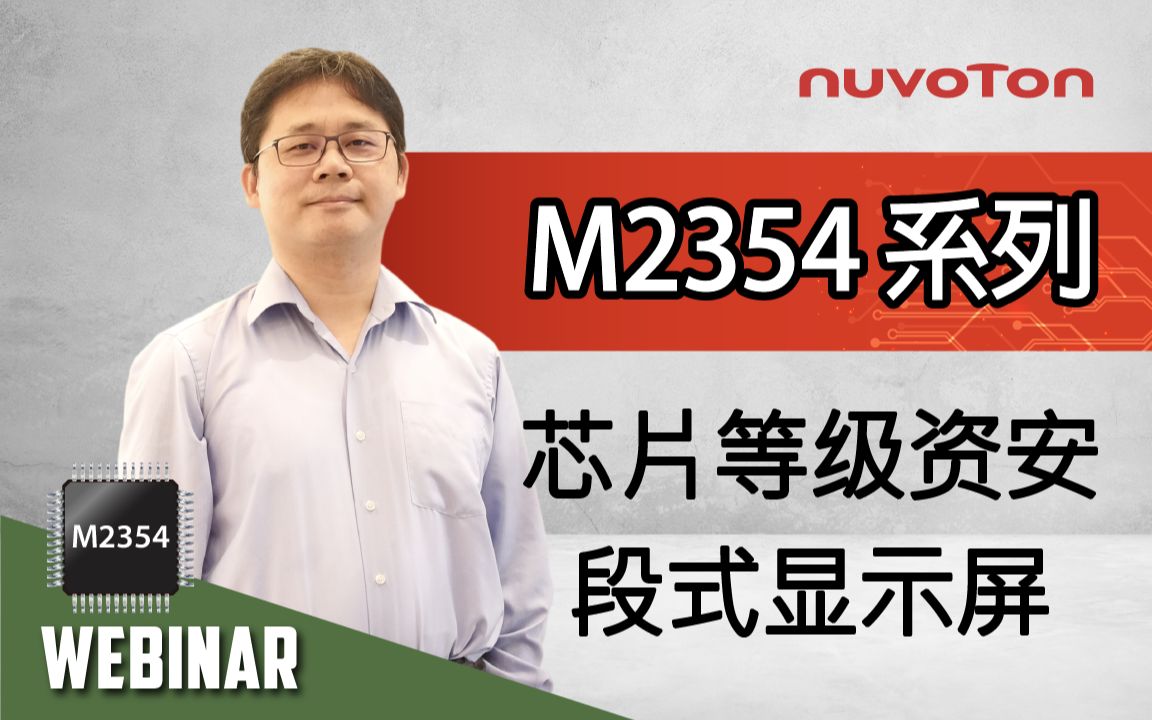
The security issues of every network-connected device pose new challenges for system developers. More and more national or regional network security supervision departments have proposed corresponding security standards and regulations. Nuvoton Technology debuts brand new NuMicro® M2354 series products. In addition to inheriting NuMicro® M2351 Series security features that have passed Arm® PSA Certified™ Level 1, Level 2, and PSA Functional API Certified, M2354 Series endows the microcontrollers used by network-connected devices with the physical level (chip-level security) security protection function. Simultaneously, it satisfies the device's development and design requirements requiring low-power operation while performing secure networking. #en #webinar #Intermediate #application - Agenda: • Security Threats to IoT Environment • NuMicro M235x Secure IoT MCUs • Application Fields for NuMicro M235x • Multi-OS and Multi-Cloud Support for IoT Node Devices • Summary - For more information, please visit Nuvoton Technology Website: https://bit.ly/3hVdcmC buy now: https://direct.nuvoton.com/ contact us: SalesSupport@nuvoton.com
製品  アプリケーション  ウェビナー  ビデオの長さ - 1:14:18
Debriefing of M2354 enhanced MCU security features for Smart Meter applications. You will learn the infrastructure solution, AMI 2.0 smart meter, benefitting from the IoT security microcontroller. The brand new NuMicro M2354 IoT Security microcontroller series inherits the security features of the M2351 that have been Arm PSA Certified™ Level 1, Level 2, and PSA Functional API Certified, M2354 Series endows the microcontrollers used by network-connected devices with the physical level (chip-level) security protection function. It ensures the software and hardware integration system products developed can meet information and communication security requirements for the international mainstream standards. It can also simplify the implementation of regulations-compliant products that require security certification. Simultaneously, it satisfies the development and design requirements of the device itself that requires a low-power operation. - Agenda: • Nuvoton business at a glance • Nuvoton microcontroller ecosystem • A brief introduction to international mainstream IoT security standards • NuMicro M2354 IoT security series • Smart meter solution • Multi-OS and multi-cloud support for IoT node devices • Conclusion - For more information, please visit Nuvoton Technology Website: https://bit.ly/3hVdcmC buy now: https://direct.nuvoton.com/ contact us: SalesSupport@nuvoton.com #Product #Application #Webinar #General #en
トレーニング  ツール  学ぶ  ビデオの長さ - 8:28
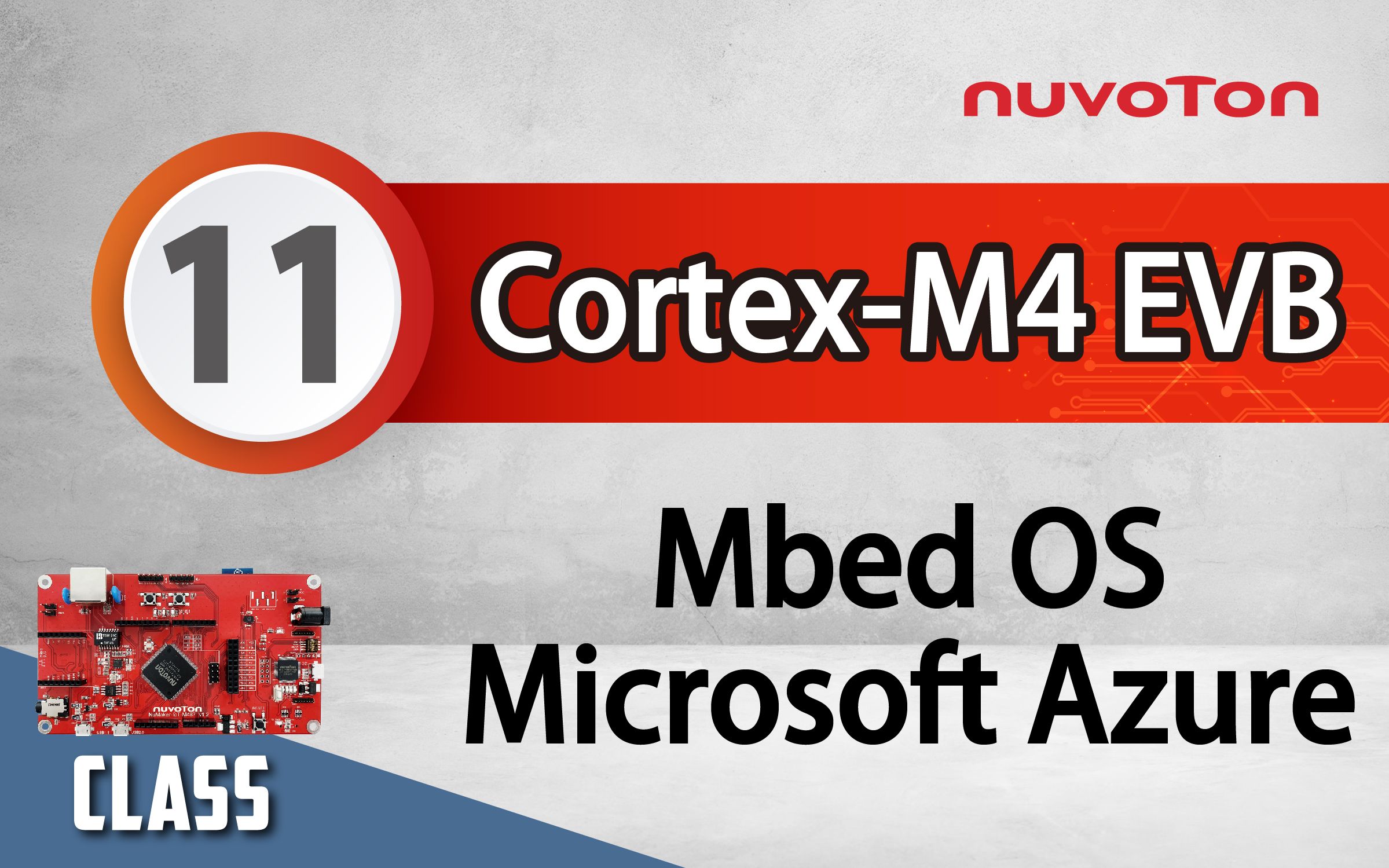
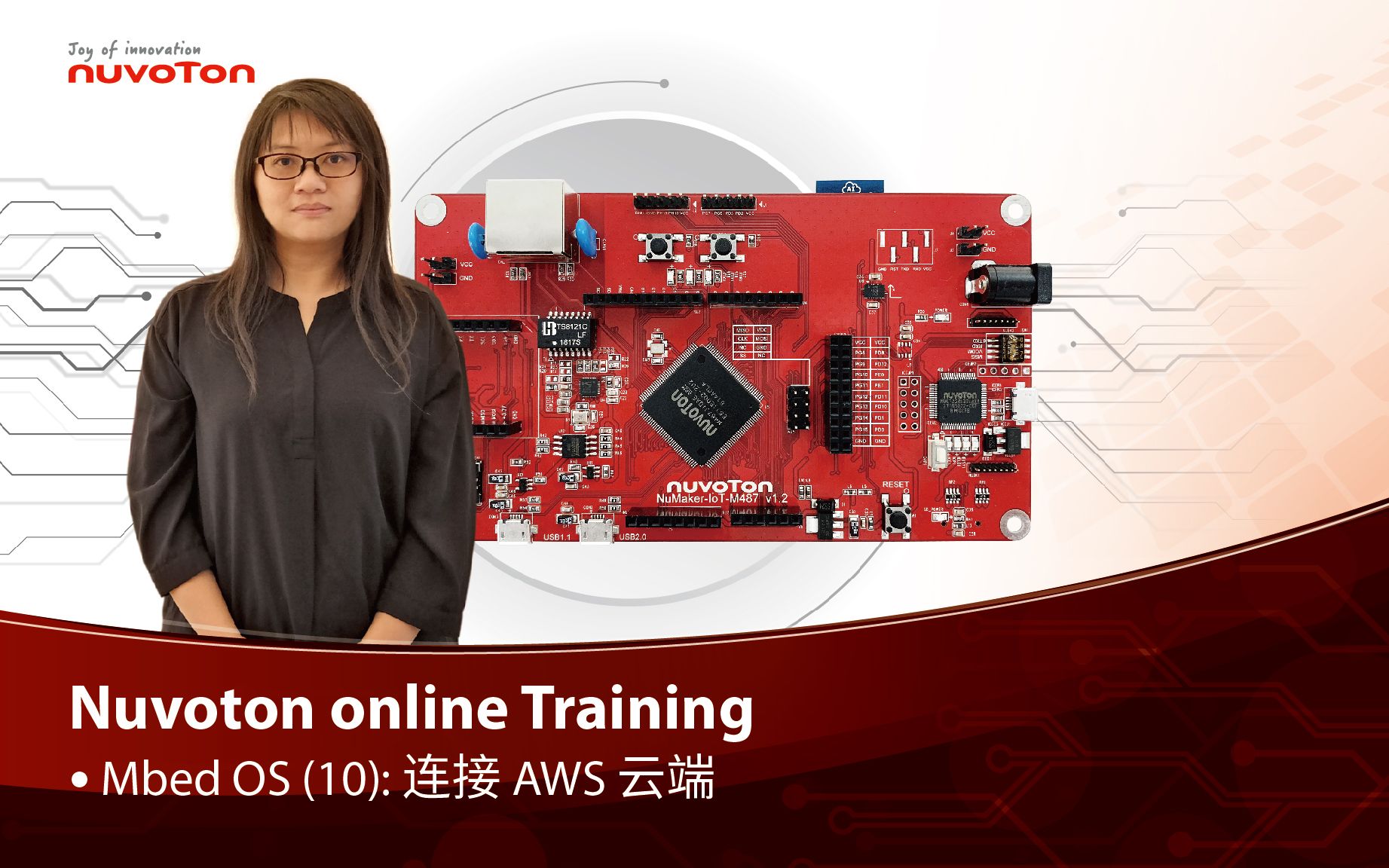
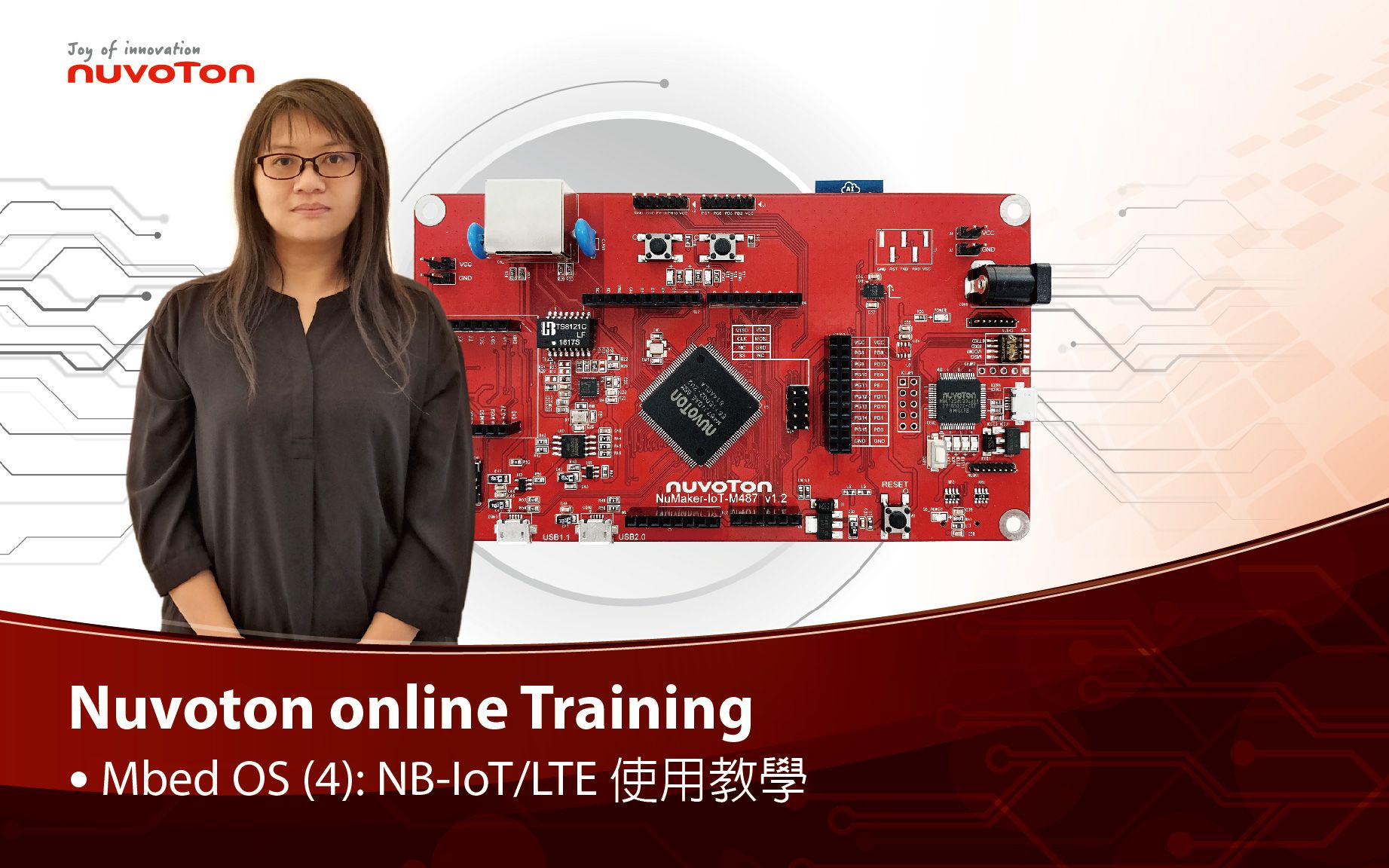
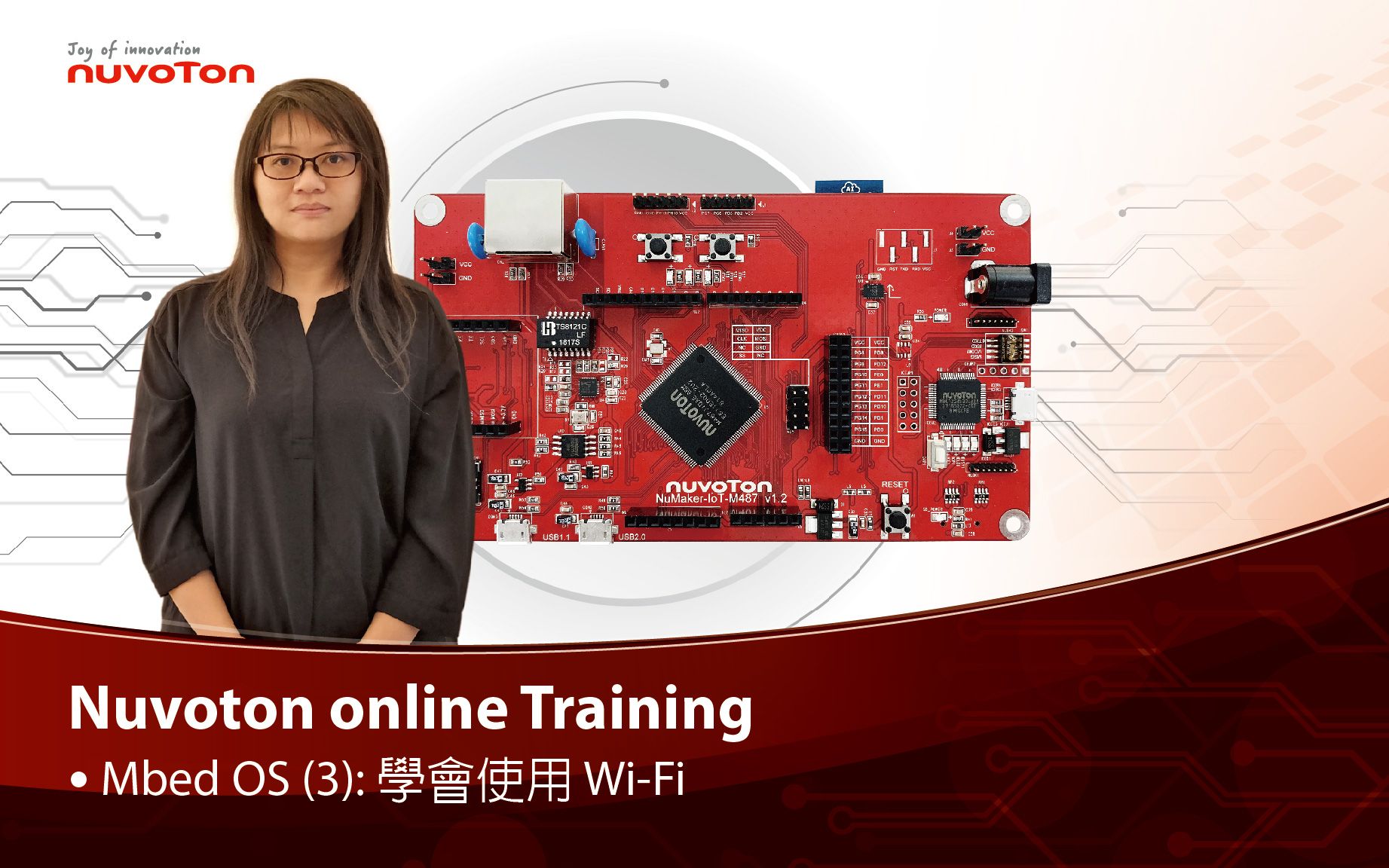
Develop with Nuvoton NuMaker-IoT-M487 and Mbed OS to learn various functions. You will learn from this video to use the NuMaker-IoT-M487 development board and Mbed OS to connect to Microsoft Azure IoT Hub service. #Tool #Training #Learning #Intermediate #en - For more information, please visit Nuvoton Technology Website: https://bit.ly/3hVdcmC Buy now: https://bit.ly/3bk0AD8 Contact us: SalesSupport@nuvoton.com
トレーニング  ツール  学ぶ  ビデオの長さ - 1:8
Hello I’m AE Sam at Nuvoton, today we are going to introduce HW design guide of crystal. Crystal is an ultra-low-power oscillator, easily affected by noise, there are five major tips for improving oscillator stability. First, the crystal should be mounted as close as possible to the microcontroller. Second, short oscillator paths & less test point. Third, symmetry between crystal capacitances. Fourth, A guard ring ground around the oscillator path Finally, any high-frequency path should be routed away from the crystal paths and components. That's all for the brief introduction about hardware design guide of crystal, if you need more information, you can contact us, thank you, bye ~ #Tool #Training #Learning #Intermediate #en - For more information, please visit Nuvoton Technology Website: https://bit.ly/3hVdcmC Buy now: https://direct.nuvoton.com/numaker-m251sd Contact us: SalesSupport@nuvoton.com