
搜寻
搜寻结果
搜寻Industrial IoT ,
找到 380 笔
- 排序
- 依时间
- 依热门度
创新产品
前瞻应用
研讨会
视频长度 - 0:58
#zh-Hans #Product #Application #General #Seminar
-
【2021 Roadshow專區】
精彩內容:https://www.nuvoton.com/roadshow2021

创新产品
前瞻应用
研讨会
视频长度 - 1:44
#zh-Hans #Product #Application #General #Seminar
-
【2021 Roadshow專區】
精彩內容:https://www.nuvoton.com/roadshow2021
创新产品
前瞻应用
研讨会
视频长度 - 1:51
#zh-Hans #Product #Application #General #Seminar
-
【2021 Roadshow專區】
精彩內容:https://www.nuvoton.com/roadshow2021
创新产品
前瞻应用
研讨会
视频长度 - 1:45
#zh-Hans #Product #Application #General #Seminar
-
【2021 Roadshow专区】
精彩内容:https://www.nuvoton.com/roadshow2021

创新产品
前瞻应用
研讨会
视频长度 - 1:30
#zh-Hans #Product #Application #General #Seminar
-
【2021 Roadshow专区】
精彩内容:https://www.nuvoton.com/roadshow2021
视频长度 - 4:35
本影片主要什么是 PWM、PWM 的原理以及应用、比较 PWM、EPWM、BPWM 的差异,以及 EPWM 各种应用说明与各自的特色。
-
更多产品资讯,请至新唐科技网站 https://www.nuvoton.com/?utm_source=bb&utm_medium=video&utm_campaign=all
前瞻应用
学习
视频长度 - 2:5
本影片将介绍新唐 BLE MCU NuMicro M031BT/M032BT 系列应用于电子按摩仪器,可透过优异的控制功能与多组 I/O 设置并自带无线传输的优点,降低开发电子按摩仪器等产品的成本,协助客户 Time to Market。
#Application #Intermediate #Learning #zh-Hans
-
更多产品资讯,请至新唐科技网站 https://www.nuvoton.com/?utm_source=bb&utm_medium=video&utm_campaign=all

前瞻应用
学习
视频长度 - 2:55
简短说明新唐M235x IoT Security MCU系列产品的基本功能与安全特色 , 并实际展示基于M235x系列开发的Google Cast无线音箱搭配手机上的Youtube APP所提供的一机多音箱的在线串流音乐拨放功能
#Application #Learning #Intermediate #zh-Hans
-
更多产品资讯,请至新唐科技网站 https://www.nuvoton.com/?utm_source=bb&utm_medium=video&utm_campaign=all
前瞻应用
学习
视频长度 - 3:57
首先说明加密货币密钥的保管安全问题, 并用比特币举例简报说明加密货币交易过程中的重要原理与密钥的安全保存的方法比较, 并提出基于M2354系列的冷钱包设计方块图
#Application #Learning #Basic #zh-Hans
-
更多产品资讯,请至新唐科技网站 https://www.nuvoton.com/?utm_source=bb&utm_medium=video&utm_campaign=all
前瞻应用
学习
视频长度 - 3:45
简短说明新唐M235x IoT Security MCU系列产品的基本功能与安全特色 , 并实际展示新唐基于M2354系列开发的Secure Smart Meter搭配手机上开发的APP所显示的实时读表数据
#Application #Learning #Intermediate #zh-Hans
-
更多产品资讯,请至新唐科技网站 https://www.nuvoton.com/?utm_source=bb&utm_medium=video&utm_campaign=all
前瞻应用
学习
视频长度 - 2:28
本机通过蓝牙蓝牙刷做说明,轻松利用 NuMicro M031BT 系列使用蓝牙透传实现个人健康信息的应用。
#Application #Intermediate #Learning #zh-Hans
-
更多产品资讯,请至新唐科技网站 https://www.nuvoton.com/?utm_source=bb&utm_medium=video&utm_campaign=all
创新产品
学习
视频长度 - 4:14
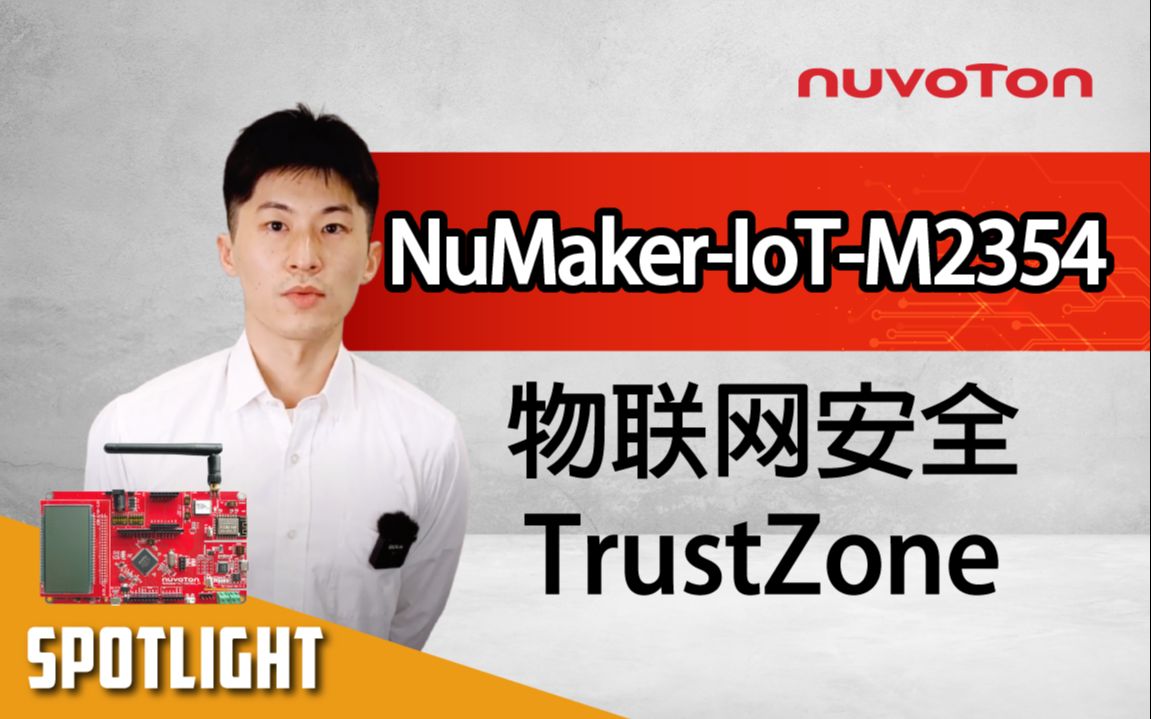
开发板带有新唐新一代的安全物联网微控制器M2354,并搭载环境感测器以及Wi-Fi/ LoRa两种无线模块,此外同时支援了Arduino及mikroBUS两种扩充介面,提供使用者更为弹性的开发应用。 M2354支援了COM/ SEG LCD,多达320点的驱动能够满足各种智慧家庭的显示需求。
#Product #Learning #Basic #zh-Hans
-
更多产品资讯,请至新唐科技网站 https://www.nuvoton.com/?utm_source=bb&utm_medium=video&utm_campaign=all
 粤公网安备 44030502010001号