検索
人気のトピック
検索結果
検索ICP Programming Tool ,
合計 114 items
- 並べ替え
- 時間別
- 人気別
製品
アプリケーション
ツール
学ぶ
ビデオの長さ - 4:11
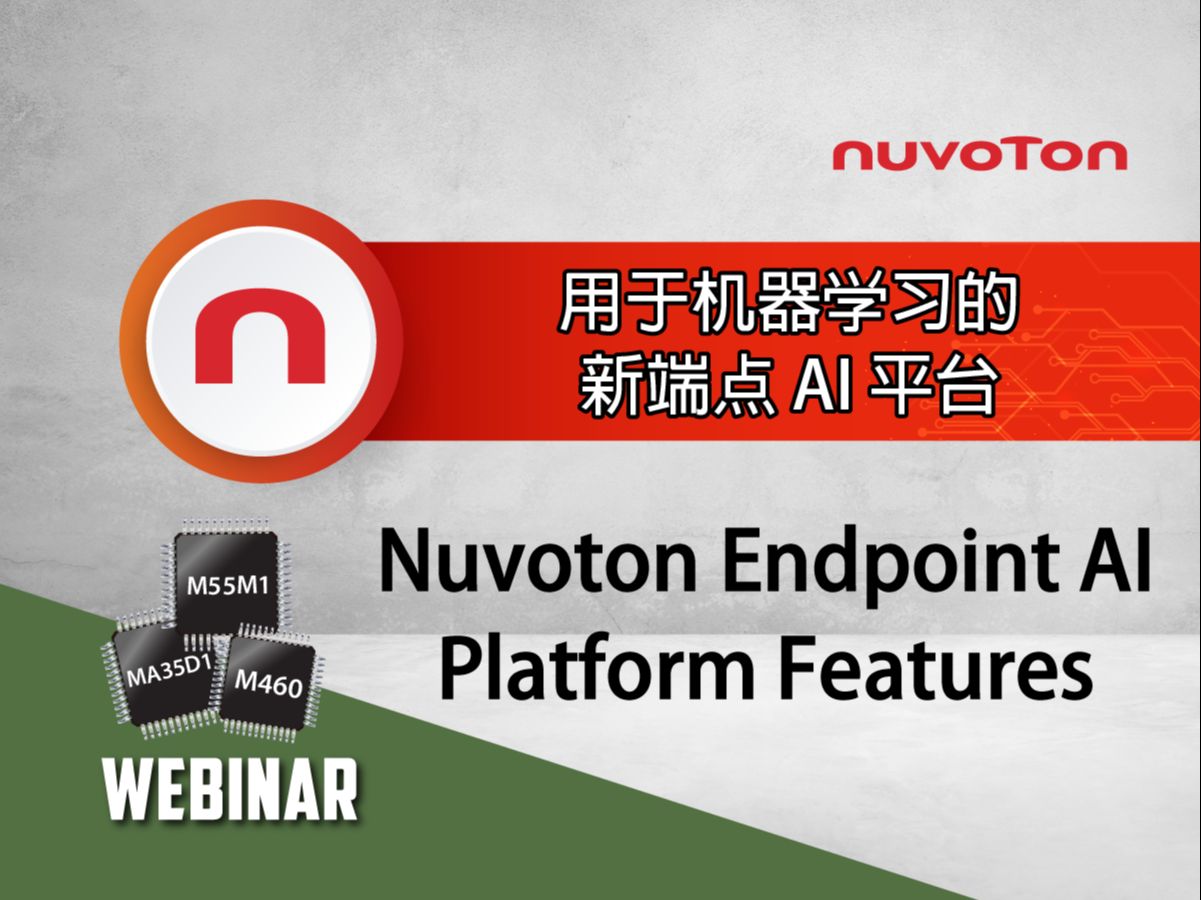
NuMicro® M55M1 is Nuvoton’s flagship AI MCU designed specifically for Endpoint AI applications. It integrates the Arm® Ethos™-U55 NPU, offering up to 110 GOPS of inference performance tailored for acceleration of machine learning models in vision, audio, and sensor-based tasks. It supports development frameworks including TensorFlow Lite Micro and NuML Tool, enabling fast AI development and deployment.
#Nuvoton #NuMicro #Microcontroller #MCU #en #M55M1 #AI #EndpointAI #NPU #General #Product #Application #Tool #Learning
-
For more information, please visit Nuvoton Technology Website: https://bit.ly/3hVdcmC
buy now: https://direct.nuvoton.com/
contact us: SalesSupport@nuvoton.com
トレーニング
アプリケーション
学ぶ
ビデオの長さ - 11:15
This video introduces the use of the touch key development tool. It begins with an introduction to the tool's functions and features. It then details how to build a calibration environment. It then explains how to use the tool to configure parameters such as pinout, sensitivity, and response time, and complete the automated calibration process. Finally, it demonstrates how to export calibration parameters and quickly verify touch key performance.
#Nuvoton #NuMicro #Microcontroller #MCU #en #Touch Key #Configure Parameters #Calibrate #Performance Confirmation #Export Parameters #General #Application #Training #Learning
-
For more information, please visit Nuvoton Technology Website: https://bit.ly/3hVdcmC
buy now: https://direct.nuvoton.com/
contact us: SalesSupport@nuvoton.com
アプリケーション
学ぶ
ビデオの長さ - 12:55
This video highlights key hardware design considerations for the MA35 series. Topics include power design and consumption, RTC usage, system clock and crystal matching, and USB interface details. It also addresses power-on settings, debugging with UART0, eMMC port recommendations, and EPAD pin design notes. Finally, the NuTool-PinConfigure tool is introduced as a helpful resource for pin configuration.
#Nnuvoton #NuMicro #Microcontroller #MCU #en #MA35 Series #Power #RTC #USB #Power-On Setting #Debug #eMMC #EPAD #NuTool-PinConfigure #General #Application #Learning
-
For more information, please visit Nuvoton Technology Website: https://bit.ly/3hVdcmC
buy now: https://direct.nuvoton.com/
contact us: SalesSupport@nuvoton.com
アプリケーション
学ぶ
ビデオの長さ - 12:55
This video highlights key hardware design considerations for the MA35 series. Topics include power design and consumption, RTC usage, system clock and crystal matching, and USB interface details. It also addresses power-on settings, debugging with UART0, eMMC port recommendations, and EPAD pin design notes. Finally, the NuTool-PinConfigure tool is introduced as a helpful resource for pin configuration.
#Nnuvoton #NuMicro #Microcontroller #MCU #en #MA35 Series #Power #RTC #USB #Power-On Setting #Debug #eMMC #EPAD #NuTool-PinConfigure #General #Application #Learning
-
For more information, please visit Nuvoton Technology Website: https://bit.ly/3hVdcmC
buy now: https://direct.nuvoton.com/
contact us: SalesSupport@nuvoton.com
アプリケーション
ツール
その他
学ぶ
ビデオの長さ - 4:12
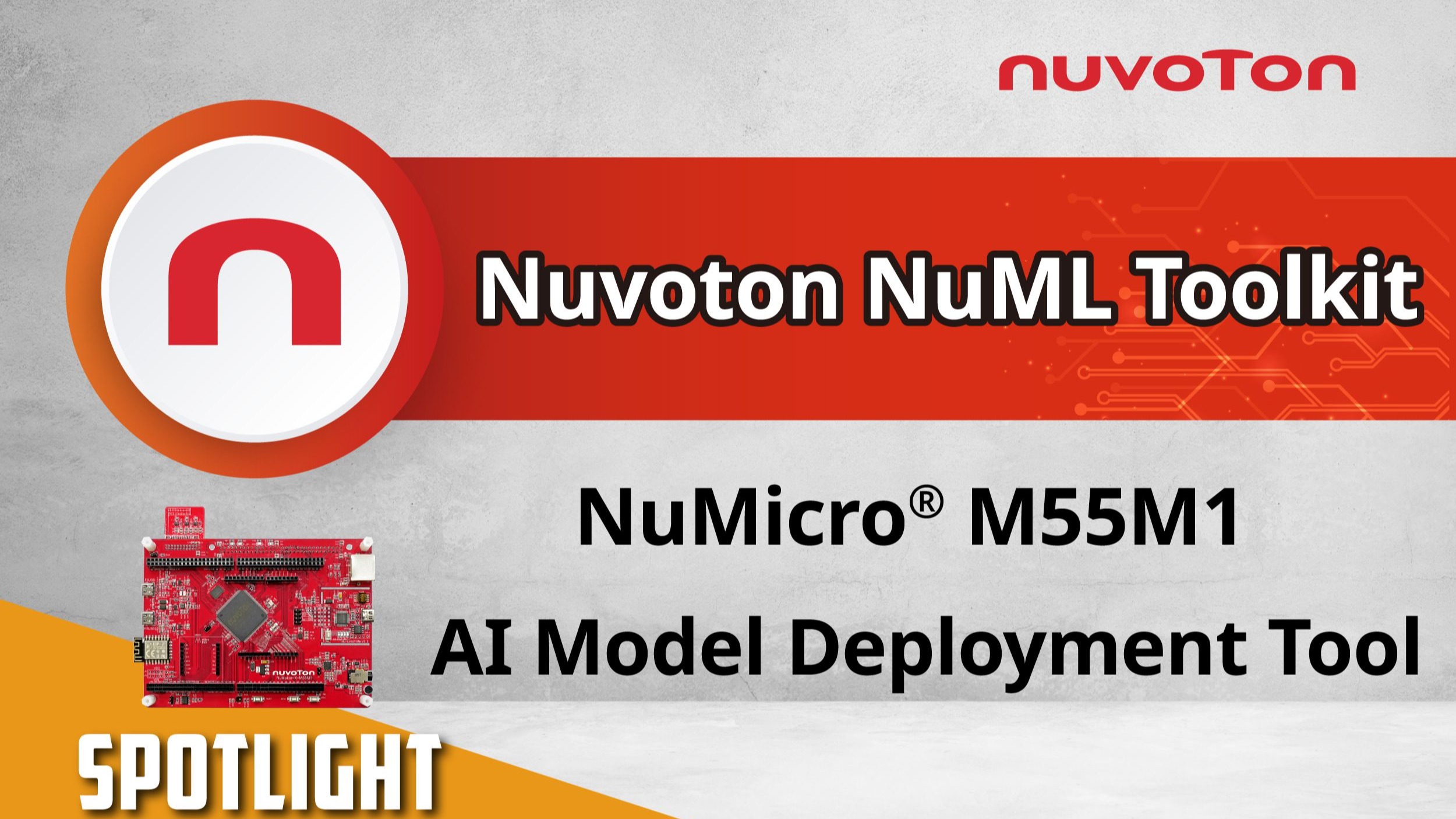
This video introduces the complete operation flow of Nuvoton’s NuML Toolkit, demonstrating how to quickly deploy a trained AI model to the NuMicro® M55M1 microcontroller platform.
With NuML Toolkit, users can complete model conversion, project generation, compilation, and programming in just a few steps. It supports a wide range of AI applications, including voice recognition, image analysis, and sensor data processing.
Ideal for smart home, IoT, and various edge AI devices, NuML Toolkit is the perfect tool for developers to achieve efficient AI deployment.
#Nuvoton #NuMicro #Microcontroller #MCU #en #m55m1 #TinyML #AI #General #Application #Others #Tool #Learning
-
For more information, please visit Nuvoton Technology Website: https://bit.ly/3hVdcmC
buy now: https://direct.nuvoton.com/
contact us: SalesSupport@nuvoton.com
アプリケーション
その他
ビデオの長さ - 3:50
The NuMicro® M55M1 AI Smart Desk Lamp features an Arm® Cortex®-M55 CPU and Ethos™-U55 NPU, enabling real-time posture detection and correction. It works together with the Nuvoton Audio Module to provide audible alerts for improper posture.
With a variety of built-in hardware interfaces and support for machine learning development tools, it accelerates development and shortens the design cycle.
This system is ideal for applications such as human-machine interaction, smart fitness, game control, posture correction, and medical rehabilitation, offering a stable and reliable AI inference platform that delivers a new level of intelligent living.
#Nuvoton #NuMicro #Microcontroller #MCU #en #M55M1 #TinyML #AI #General #Application #Others #NuEdgeWise
-
For more information, please visit Nuvoton Technology Website: https://bit.ly/3hVdcmC
buy now: https://direct.nuvoton.com/
contact us: SalesSupport@nuvoton.com
トレーニング
アプリケーション
ツール
学ぶ
ビデオの長さ - 1:38
This demo showcases how to quickly implement a Smart Meal Ordering System using SEGGER emWin + AppWizard.
Powered by the NuMicro® MA35H0 MPU, the system delivers a smooth and interactive HMI experience with high-quality graphics — ideal for modern restaurant kiosks and touch-based interfaces.
• Fast UI development with SEGGER AppWizard
• High-performance Cortex-A35 processor
• Rich peripherals for HMI applications
Explore how MA35H0 can simplify your next HMI project!
#NuMicro #MA35H0 #HMI #emWin #AppWizard #MealOrderingSystem #TouchUI #EmbeddedLinux
#Nuvoton #NuMicro #Microcontroller #MCU #en #General #Application #Tool #Training #Learning
-
For more information, please visit Nuvoton Technology Website: https://bit.ly/3hVdcmC
buy now: https://direct.nuvoton.com/
contact us: SalesSupport@nuvoton.com
トレーニング
ツール
学ぶ
ビデオの長さ - 3:40
Nu-Link2-Pro が PC 上の ICP プログラミングツールを使用して ISP ブートローダーを LDROM に書き込み、その後 Nu-Link2-Pro を I2C インターフェースで ISP プログラミングツールと接続し、ターゲットチップのファームウェアをアップグレードする方法を示します。
#ja #Tool #Training #Intermediate #Learning
詳細については、Nuvoton テクノロジーのウェブサイトをご覧ください: https://bit.ly/3hVdcmC
今すぐ購入: https://bit.ly/3bk0AD8
お問い合わせ: SalesSupport@nuvoton.com
トレーニング
ツール
学ぶ
ビデオの長さ - 1:8
こんにちは、Nuvoton の AE Sam です。本日は、クリスタルのハードウェア設計ガイドについてご紹介します。
クリスタルは超低消費電力の発振器であり、ノイズの影響を受けやすいため、発振器の安定性を向上させるための5つの重要なポイントがあります。
クリスタルをマイコンの近くに配置する
発振パスを短くし、テストポイントを減らす
クリスタルの負荷容量を左右対称にする
発振パスの周囲にガードリンググラウンドを設ける
高周波の配線は、クリスタルのパスやコンポーネントから遠ざける
以上、クリスタルのハードウェア設計ガイドの簡単な紹介でした。
詳細な情報が必要な場合は、お気軽にお問い合わせください。ありがとうございました!
#Tool #Training #Learning #Intermediate #ja
詳細については、Nuvoton Technology のウェブサイトをご覧ください: https://bit.ly/3hVdcmC
今すぐ購入: https://direct.nuvoton.com/numaker-m251sd
お問い合わせ: SalesSupport@nuvoton.com
トレーニング
ツール
学ぶ
ビデオの長さ - 5:16
#Tool #Training #Learning #Intermediate #ja
詳細については、Nuvoton テクノロジーのウェブサイトをご覧ください: https://bit.ly/3hVdcmC
今すぐ購入: https://direct.nuvoton.com/numaker-m251sd
お問い合わせ: SalesSupport@nuvoton.com
トレーニング
ツール
学ぶ
ビデオの長さ - 5:9
こんにちは、皆さん。Nuvoton Technology のフィールドアプリケーションエンジニア、クリスです。
本日は、M251/M252 に搭載されているプログラム可能なシリアル I/O(PSIO)の応用と原理について紹介します。
NuMicro M251/M252 シリーズのプログラム可能なシリアル I/O は、任意の波形を生成し、それらを組み合わせることで特定のシリアル通信プロトコルのデータ送受信を実現できます。
もちろん、標準的なシリアル通信(UART、SPI、I2C など)も実現可能です。
通常、特定の通信プロトコルを実装するためには タイマー + GPIO を使用することが一般的ですが、この方法では動作が複雑になり、CPU への頻繁な介入が必要になります。
一方、PSIO を使用すると、処理の複雑さが軽減されるだけでなく、CPU の負担も削減できます。
節約された CPU リソースは、他の処理に割り当てることが可能になります。
また、すべてのハードウェア操作がソフトウェアの介入なしで実行されるため、より正確なタイミング制御が可能になります。
PSIO の原理
PSIO は スロットコントローラー を使用して、ピンの入出力や状態の判定を行い、各状態の持続時間も制御できます。
各スロットコントローラーには 8 つのスロットがあり、それぞれ異なる設定が可能です。
各スロットに対応するレジスタでは、入出力するデータのアクセスや、現在のピンの状態を維持する時間の設定ができます。
通常、スロットとチェックポイントは 1:1(SLOT0 → CP0、SLOT1 → CP1…)で対応しており、各チェックポイントごとにピンの状態を適切なタイミングで制御できます。
簡単な出力例
以下は、単純な出力のみの例です。
初期状態では、SLOT が開始する前にピンの状態を HIGH に設定
スロットコントローラーが開始信号を受信すると、SLOT0 が LOW を出力(CP0 に基づく)
SLOT0 の時間が終了すると、SLOT1 が LOW を出力(CP1 に基づく)
以下、SLOT2 〜 SLOT5 の設定に従って、出力が LOW / HIGH に変化
SLOT6 が未設定のため、6 つのスロットのみでプロトコルの波形が完成
次のデータ送信までの間隔では、出力を LOW に設定
このように簡単な設定で、さまざまな通信プロトコルを実装できます。
追加リソース
関連リソースとして、PSIO のアプリケーションノートを 2 つ提供しています。
これらには、2 つのプロトコル例と詳細な操作説明が含まれています。
さらに詳しく知りたい方は、動画内の URL からダウンロードしてください。
また、BSP には複数のプロトコルのサンプルコードも用意されています。
これで本チュートリアルは終了です。
ご視聴ありがとうございました。
ぜひチャンネル登録をお願いします。
詳細情報については、お気軽にお問い合わせください。
#Tool #Training #Learning #Intermediate #ja
詳細については、Nuvoton テクノロジーのウェブサイトをご覧ください: https://bit.ly/3hVdcmC
今すぐ購入: https://direct.nuvoton.com/numaker-m251sd
お問い合わせ: SalesSupport@nuvoton.com
トレーニング
ツール
学ぶ
ビデオの長さ - 5:40
みなさん、こんにちは!私はNuvoton Technologyのフィールドアプリケーションエンジニア、Chrisです。
今日は、NuMicro M251/M252アプリケーション回路の設計方法を紹介します。
まずは、M251/M252の電源アプリケーション回路から始めましょう。
外部電源には10uFと0.1uFのデカップリングコンデンサを追加し、コンデンサは外部電源のソースの近くに配置する必要があります。
外部電源がICのVDD/VDDIO/VBATに入る前に、0.1uFのバイパスコンデンサを別途追加し、コンデンサはICの近くに配置する必要があります。
外部電源がAVDDに入る前に、ビーズをフィルタリング用に直列に接続し、1uF、0.1uF、0.01uFのバイパスコンデンサを追加する必要があります。ビーズとコンデンサはICの近くに配置する必要があります。
AVDD を VREF に接続する前に、まずビーズを直列に接続してフィルタリングし、次に 2.2uF、1uF、470pF のバイパス コンデンサを追加します。ビーズとコンデンサは IC の近くに配置する必要があります。
IC の内部 LDO 電源に 1uF のバイパス コンデンサを追加し、コンデンサを IC の近くに配置する必要があります。
AVSS と VSS は、ビーズと直列に接続してフィルタリングする必要があります。
USB_VBUS は、USB の EFT 干渉耐性を高めるために 10 オームの抵抗と直列に接続する必要があります。
USB_D+ と USB_D- は、インピーダンス整合のために 27 オームの抵抗と直列に接続する必要があります。
USB_VCC33_CAP には 1uF のバイパス コンデンサを追加する必要があります。
ICE_DAT と ICE_CLK は、100K オームのプルアップ抵抗に接続する必要があります。
高速および低速水晶発振器の両端は、20pF の等価容量で VSS に接続する必要があります。
I2C_SCL および I2C_SDA は、4.7K オームのプルアップ抵抗に接続する必要があります。
nRESET は、10K オームのプルアップ抵抗と 10 uF のコンデンサで VSS に接続する必要があります。
IC の内部 LDO 電源には 1 uF のバイパス コンデンサを追加する必要があり、コンデンサは IC の近くに配置する必要があります。
さらに、EBI、UART、SPI、およびオーディオ用のリファレンス回路が用意されています。
VDD は、4~32 MHz 水晶発振器、POR33、電源オン制御、5V ~ 1.5V LDO、IO セルなど、IC 内の他の回路に接続されています。そのうち、GPIO PF.4 ~ PF.6 および PA.0 ~ PA.5 出力の高レベルは VDD に等しくなります。
Vbus は IC 内部の USB 1.1 PHY に接続されています。
この 1.5V レギュレータは、デジタル ロジック、SRAM、フラッシュ、POR15、LIRC、MIRC、HIRC などに 1.5V を供給します。
Vbat は内部 1.5V RTC_LDO に接続され、RTC、32.768 kHz 水晶発振器、IO セル PF.6 に 1.5V 電圧を供給します。
VDDIO は使用のためにいくつかの IO セルに接続されており、PA.0 から PA.5 の出力ハイ レベルは VDDIO と等しくなります。
AVDD は IC 内部のアナログ回路に接続されており、VREF はアナログ回路の基準電圧です。
NuMicro M251/M252 シリーズのハードウェア設計の説明は以上です。ご覧いただきありがとうございました。
さらに質問がある場合は、お問い合わせください。
#Tool #Training #Learning #Intermediate #ja
-
詳細については、Nuvoton Technology の Web サイトをご覧ください: https://bit.ly/3hVdcmC
今すぐ購入: https://direct.nuvoton.com/numaker-m251sd
お問い合わせ: SalesSupport@nuvoton.com
粤公网安备 44030502010001号