
搜寻
搜寻结果
搜寻Cloud Service ,
找到 380 笔
- 排序
- 依时间
- 依热门度
培训
学习
视频长度 - 5:23
新唐 NuMicro 微控制器家族 UART 范例程式介绍 - 演示如何透过 UART timeout 功能来实现不定长度的封包接收。
#zh-Hans #Training #Basic #Learning
-
开发版介绍、IDE下载及烧录步骤可参考「新唐菜鸡带你入门 NuTool 新唐开发平台」:https://www.bilibili.com/video/BV1iL411W7ZX/
-
更多产品资讯,请至新唐科技网站 https://www.nuvoton.com/?utm_source=bb&utm_medium=video&utm_campaign=all
前瞻应用
学习
视频长度 - 0:40
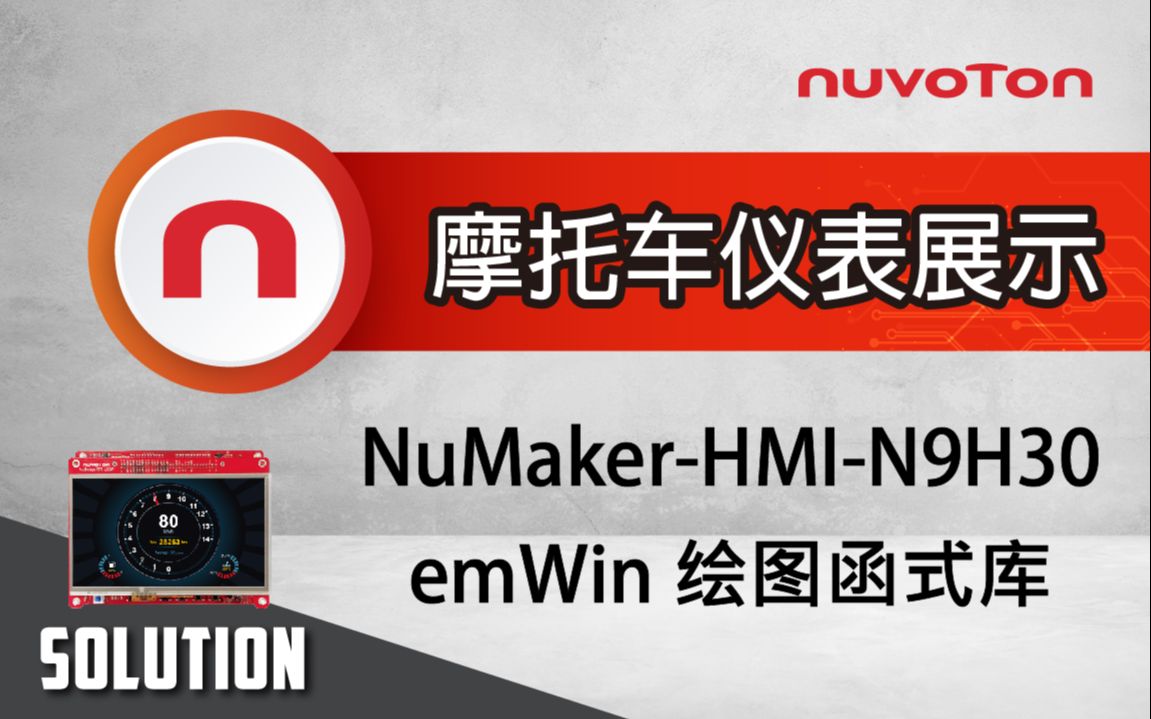
摩托车仪表展示于NuMaker-HMI-N9H30 开发板
【展示特色】
• 小于1秒快速开机
• 使用emWin绘图函式库绘制仪表界面
• 使用2D图形加速器呈现流畅的指针移动效果
-
更多产品资讯,请至新唐科技网站 https://www.nuvoton.com/?utm_source=bb&utm_medium=video&utm_campaign=all
#zh-Hans #Application #Basic #Learning
培训
学习
视频长度 - 5:59
为大家介绍二个 PWM 的 Sample Code:
● 第一个 PWM 的 Sample Code,主要是动态改变 PWM 1 的输出 duty ,让 LED 做出呼吸灯的效果。
● 第二个 PWM 的 Sample Code,主要功能是做固定 Duty 的 PWM 讯号输出,使用 PWM1 来驱动 LED,透过 API 设置 PWM 的输出频率和 duty,让 LED 0.5 秒亮、0.5 秒灭。
#Basic #Training #Learning #zh-Hans
-
开发版介绍、IDE下载及烧录步骤可参考「新唐菜鸡带你入门 NuTool 新唐开发平台」:https://www.bilibili.com/video/BV1iL411W7ZX/
-
更多产品资讯,请至新唐科技网站 https://www.nuvoton.com/?utm_source=bb&utm_medium=video&utm_campaign=all
#zh-Hans #Training #Basic #Learning
培训
学习
视频长度 - 5:4
新唐 NuMicro 微控制器家族 SPI 范例程式介绍 - 演示如何透过 SPI 介面来对SPI Flash做资料的存取。
【W25Q32 datasheet】
https://www.winbond.com/resource-files/W25Q32JV%20RevI%2005042021%20Plus.pdf
-
开发版介绍、IDE下载及烧录步骤可参考「新唐菜鸡带你入门 NuTool 新唐开发平台」:https://www.bilibili.com/video/BV1iL411W7ZX/
-
更多产品资讯,请至新唐科技网站 https://www.nuvoton.com/?utm_source=bb&utm_medium=video&utm_campaign=all
#zh-Hans #Training #Basic #Learning
培训
学习
视频长度 - 6:24
新唐 NuMicro 微控制器家族 I²C 范例程式介绍 - 演示如何透过 I²C 接口来对EEPROM做资料的存取。
-
开发版介绍、IDE下载及烧录步骤可参考「新唐菜鸡带你入门 NuTool 新唐开发平台」:https://www.bilibili.com/video/BV1iL411W7ZX/
-
更多产品资讯,请至新唐科技网站 https://www.nuvoton.com/?utm_source=bb&utm_medium=video&utm_campaign=all
#zh-Hans #Training #Basic #Learning
培训
学习
视频长度 - 4:6
新唐NuMicro 微控制器家族ADC 范例程序介绍-演示如何透过Bandgap来反推外部电池电压,适用于电池供电系统中电量监控之应用情境。
-
开发版介绍、IDE下载及烧录步骤可参考「新唐菜鸡带你入门 NuTool 新唐开发平台」:https://www.bilibili.com/video/BV1iL411W7ZX/
-
更多产品资讯,请至新唐科技网站 https://www.nuvoton.com/?utm_source=bb&utm_medium=video&utm_campaign=all
#zh-Hans #Training #Basic #Learning
培训
学习
入門
视频长度 - 3:40
本影片主要介绍什么是 GPIO、GPIO 的特色、GPIO 的操作模式,以及 GPIO 的去抖动功能。
-
开发版介绍、IDE下载及烧录步骤可参考「新唐菜鸡带你入门 NuTool 新唐开发平台」:https://www.bilibili.com/video/BV1iL411W7ZX/
-
更多产品资讯,请至新唐科技网站 https://www.nuvoton.com/?utm_source=bb&utm_medium=video&utm_campaign=all
#zh-Hans #Training #Basic #Learning
前瞻应用
学习
视频长度 - 2:19
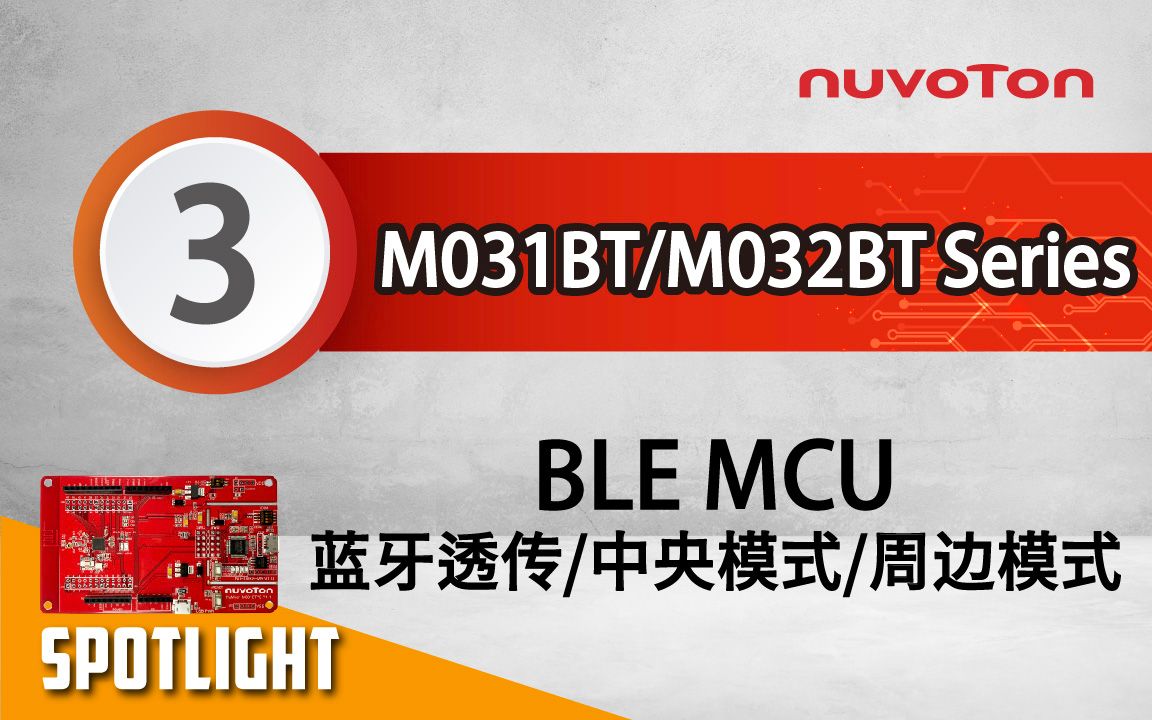
本影片将介绍新唐 BLE MCU NuMicro M031BT/M032BT 系列于摄影灯光应用,可透过优异的控制功能与多组 I/O 设置并自带无线传输的优点,降低开发摄影灯光等产品的成本,协助客户 Time to Market。
#Application #Intermediate #Learning #zh-Hans
-
更多产品资讯,请至新唐科技网站 https://www.nuvoton.com/?utm_source=bb&utm_medium=video&utm_campaign=all
创新产品
前瞻应用
研讨会
视频长度 - 1:40:36
2021 车用与工业物联网峰会 - 新唐车用应用方案
#zh-Hans #Product #Application #General #Seminar
-
更多产品资讯,请至新唐科技网站 https://www.nuvoton.com/?utm_source=bb&utm_medium=video&utm_campaign=all
创新产品
前瞻应用
研讨会
视频长度 - 1:12:4
2021 车用与工业物联网峰会 - 新唐工业物联应用方案
#zh-Hans #Product #Application #General #Seminar
-
更多产品资讯,请至新唐科技网站 https://www.nuvoton.com/?utm_source=bb&utm_medium=video&utm_campaign=all
创新产品
前瞻应用
研讨会
视频长度 - 10:34
2021 车用与工业物联网峰会 - 新唐开发工具平台
#zh-Hans #Product #Application #General #Seminar
-
更多产品资讯,请至新唐科技网站 https://www.nuvoton.com/?utm_source=bb&utm_medium=video&utm_campaign=all
 粤公网安备 44030502010001号