
搜寻
搜寻结果
搜寻32-bit MCU ,
找到 390 笔
- 排序
- 依时间
- 依热门度
创新产品
学习
视频长度 - 10:23
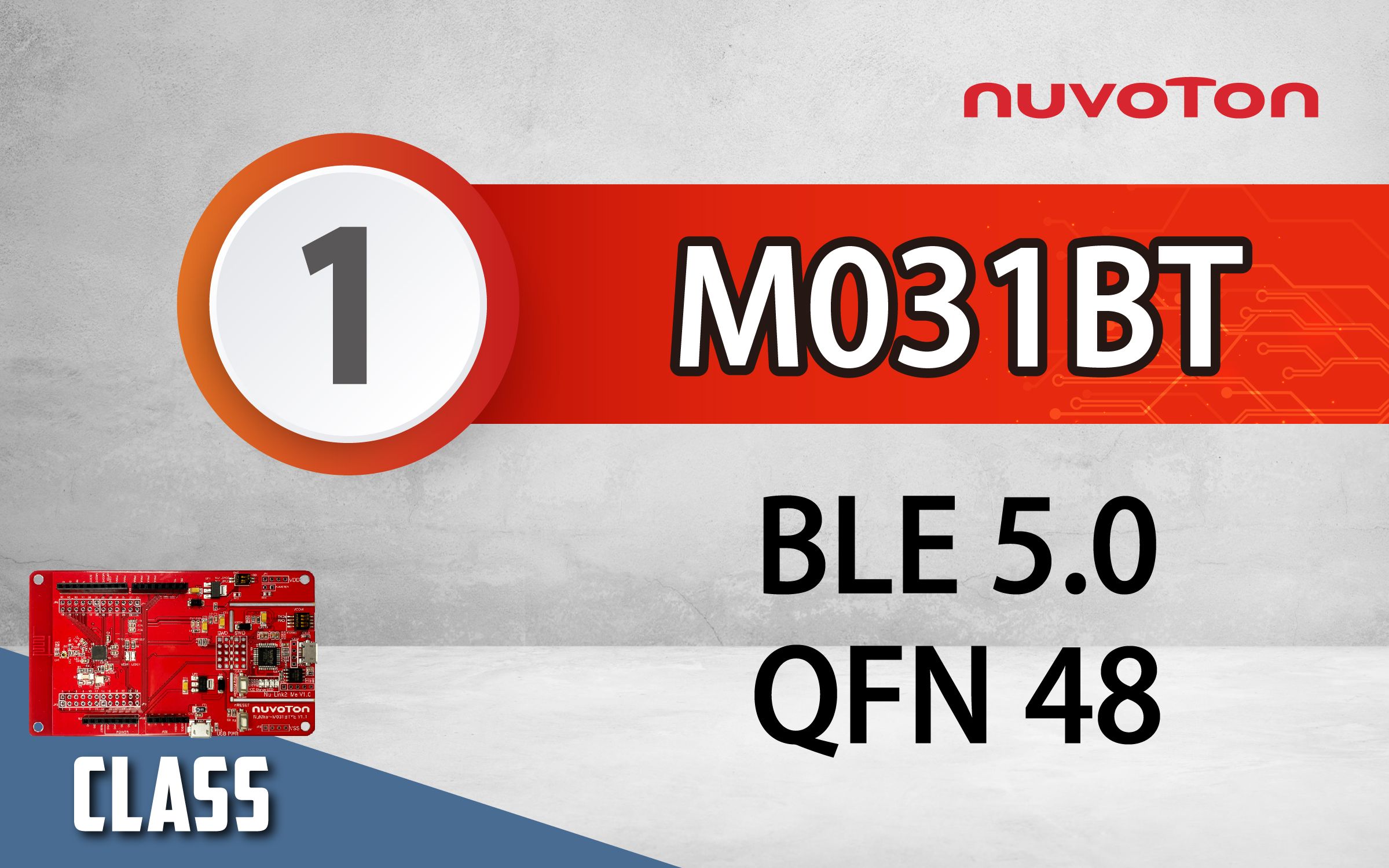
新唐 NuMicro M031BT 双模蓝牙低功耗 5.0 (Bluetooth Low Energy, BLE5.0) 提供了 BLE UART 透传的展示,并实际操作如何使用 AT 命令模式来作设定与使用数据传输模式来收发资料。
#Product #Basic #Learning #zh-Hans
-
更多产品资讯,请至新唐科技网站 https://www.nuvoton.com/?utm_source=bb&utm_medium=video&utm_campaign=all
创新产品
前瞻应用
研讨会
视频长度 - 6:34
简述新唐科技愿景、公司历史、全球布局。说明 MCU 产业趋势,新唐 NuMicro 产品组合、平台、生态系统、新唐微控制器优势。
-
更多产品资讯,请至新唐科技网站 https://www.nuvoton.com/?utm_source=bb&utm_medium=video&utm_campaign=all
#zh-Hans #Product #Application #General #Seminar
创新产品
前瞻应用
研讨会
视频长度 - 17:38
采集:低功耗大数据采集模块
辨识:智能数字辨识系统、机器学习关键词识别方案
控制:运动控制/变频控制/伺服控制方案
管理:交互式智能电源管理器
-
更多产品资讯,请至新唐科技网站 https://www.nuvoton.com/?utm_source=bb&utm_medium=video&utm_campaign=all
#zh-Hans #Product #Application #General #Seminar
创新产品
前瞻应用
研讨会
视频长度 - 14:35
智能用电方案包含:用/配电业DTU/FTU/TTU、智能电容器、智能低压断路器、智能电表。
-
更多产品资讯,请至新唐科技网站 https://www.nuvoton.com/?utm_source=bb&utm_medium=video&utm_campaign=all
#zh-Hans #Product #Application #General #Seminar

创新产品
前瞻应用
研讨会
视频长度 - 14:37
发表通过 AEC-Q100 Grade 2 标准认证的新唐车规微控制器,说明 NuMicro 车用 MCU 应用场景与 CAN 系列产品组合。其他车用方案包含:车辆定位仪、充电桩、不同分辨率的人机界面。
-
更多产品资讯,请至新唐科技网站 https://www.nuvoton.com/?utm_source=bb&utm_medium=video&utm_campaign=all
#zh-Hans #Product #Application #General #Seminar
创新产品
前瞻应用
研讨会
视频长度 - 20:8
说明新唐工业物联网生态系统,包含感测端点/ 感测HUB/ 智能网关/ 云端分析,提供新唐物联网一体化设计平台与解决方案,以及多元的认证上云范例。
-
更多产品资讯,请至新唐科技网站 https://www.nuvoton.com/?utm_source=bb&utm_medium=video&utm_campaign=all
#zh-Hans #Product #Application #General #Seminar
创新产品
前瞻应用
研讨会
视频长度 - 22:52
新唐 5G 基础建设方案:5G 基础设施/基站、4G 基站 RRU/BBU 监控、5G 基站设备网关、5G 室内小基站、直放站、25G/ 100G/ 200G 长距离光模块、UPS 不断电系统。
-
更多产品资讯,请至新唐科技网站 https://www.nuvoton.com/?utm_source=bb&utm_medium=video&utm_campaign=all
#zh-Hans #Product #Application #General #Seminar
创新产品
前瞻应用
研讨会
视频长度 - 44:28
此环节将详细说明新唐开发平台,包含集成开发环境、板级支持包 BSP、软件开发工具、仿真器、烧录器与开发板。更进一步说明新唐黄金三部曲:开发、量产、升级。
最后介绍新唐四合一开发工具:Nu-Link2-Pro
-
更多产品资讯,请至新唐科技网站 https://www.nuvoton.com/?utm_source=bb&utm_medium=video&utm_campaign=all
#zh-Hans #Product #Application #General #Seminar
创新产品
前瞻应用
研讨会
视频长度 - 4:57
简述新基建七大领域:5G 基站建设、新能源汽车充电桩、大数据中心、城际轨道交通、工业互联网、人工智能、智能用电。
-
更多产品资讯,请至新唐科技网站 https://www.nuvoton.com/?utm_source=bb&utm_medium=video&utm_campaign=all
#zh-Hans #Product #Application #General #Seminar
创新产品
前瞻应用
研讨会
视频长度 - 23:21
此环节将详细说明新唐GUI平台选型指南,根据屏幕大小可选择的产品线和开发平台。
-
更多产品资讯,请至新唐科技网站 https://www.nuvoton.com/?utm_source=bb&utm_medium=video&utm_campaign=all
#zh-Hans #Product #Application #General #Seminar
创新产品
前瞻应用
研讨会
视频长度 - 7:27
此环节将详细说明新唐工控微控制器平台,包含8051 工控 MCU 平台 (MS51),M0 工控 MCU 平台 (M031 / M032),低功耗宽电压 MCU 平台 (ML51 / M251 / M252),低功耗触控与 LCD 显示 MCU 平台 (ML54 / ML56 / M254 / M256),M4 高效能工控 MCU 平台 (M480)。
-
更多产品资讯,请至新唐科技网站 https://www.nuvoton.com/?utm_source=bb&utm_medium
#zh-Hans #Product #Application #General #Seminar
创新产品
学习
视频长度 - 2:41
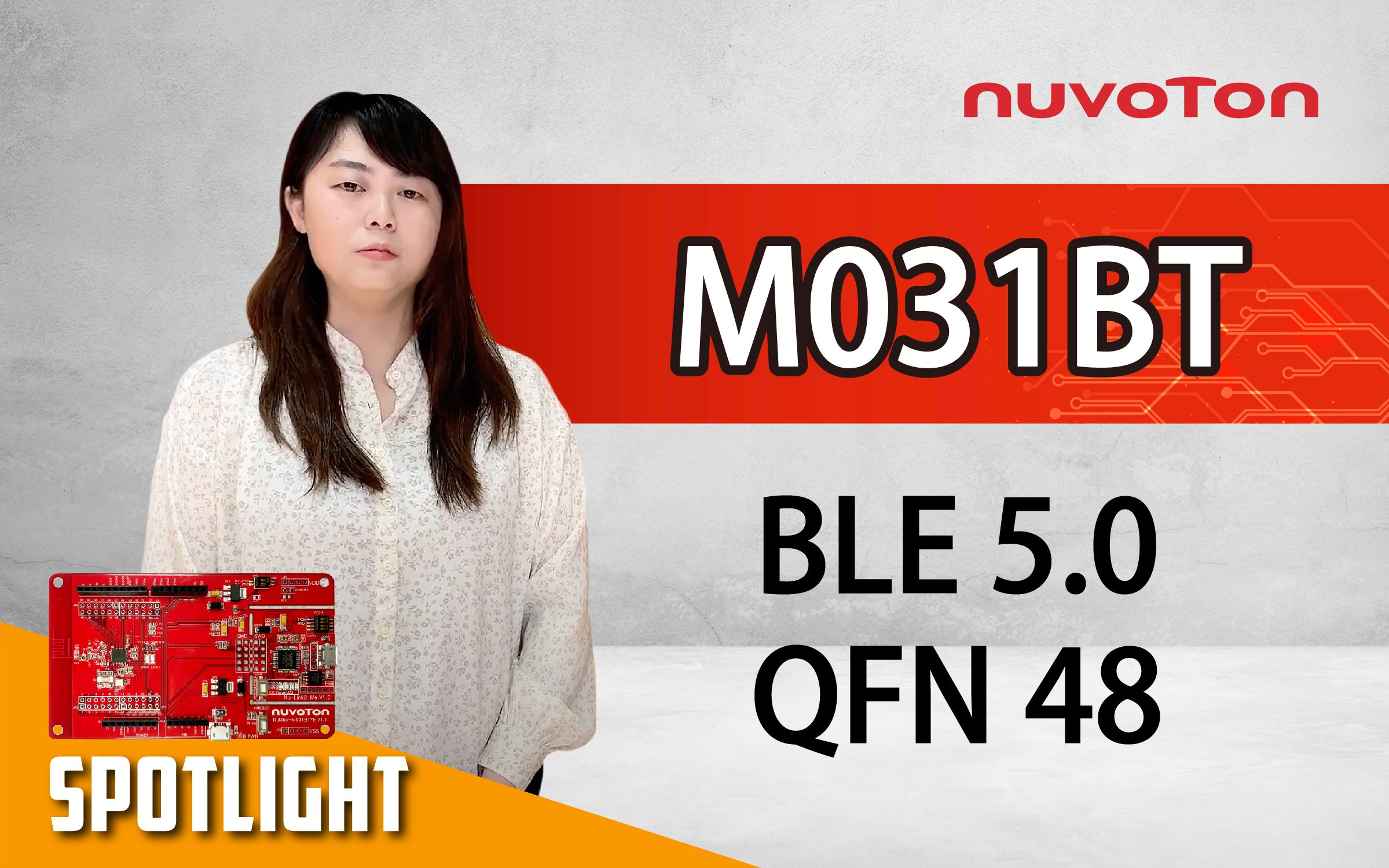
新唐 NuMicro M031BT-双模蓝牙低功耗 5.0 (Bluetooth Low Energy, BLE5.0) 与无线 2.4GHz 传输技术 (2.4G proprietary) 的微控制器平台,除传统高精准度与多元 I/O 的微控制器优势外,还提供透传 (pass-through)、HOGP 与 Heartbeat profile,是产品升级无线功能的好选择。
#Product #Basic #Learning #zh-Hans
-
更多产品资讯,请至新唐科技网站 https://www.nuvoton.com/?utm_source=bb&utm
 粤公网安备 44030502010001号