
搜寻
搜寻结果
搜寻车用 MCU ,
找到 382 笔
- 排序
- 依时间
- 依热门度

前瞻应用
网络研讨会
视频长度 - 5:7
前瞻应用
学习
视频长度 - 4:9
创新产品
前瞻应用
工具
学习
视频长度 - 2:18
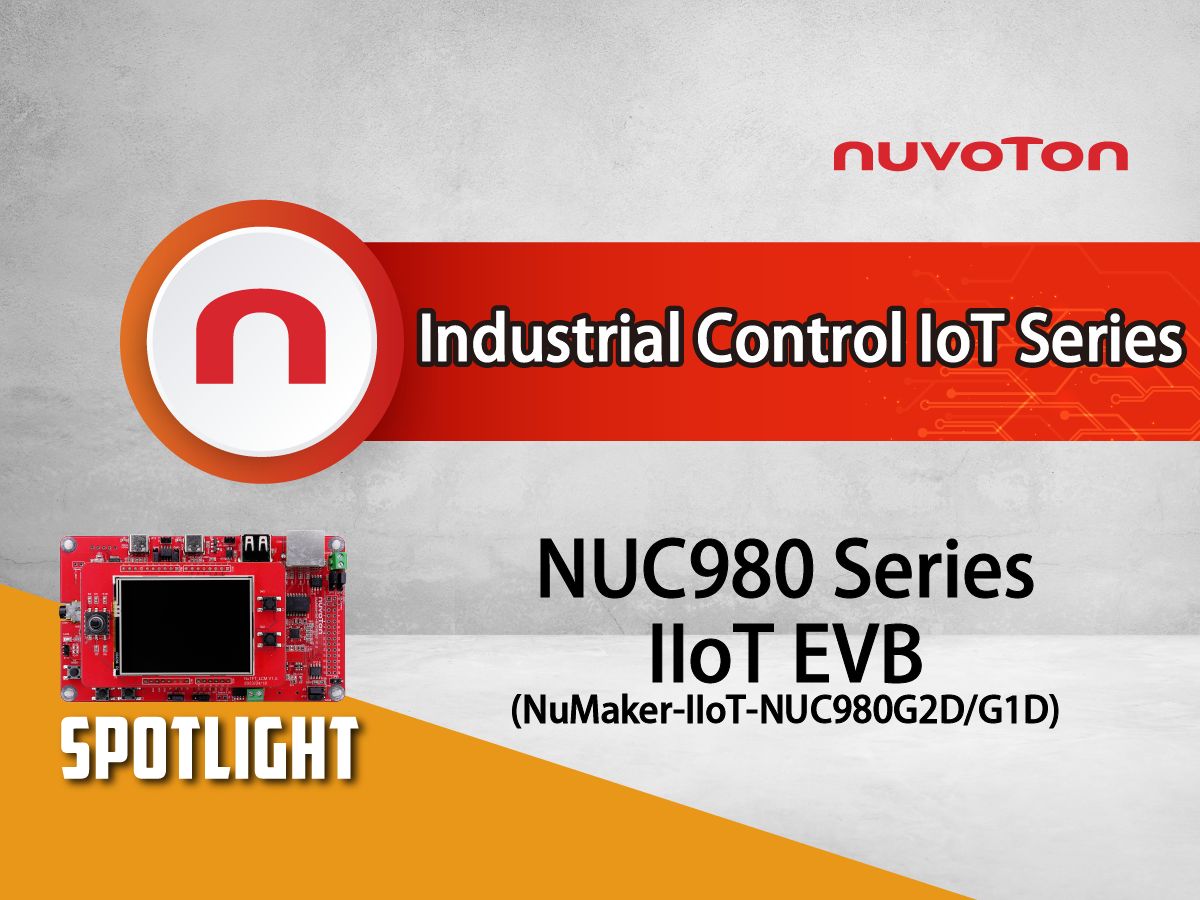
让使用者快速了解 NuMaker-IIoT-NUC980G2D/G1D 开发板的关键特性与应用支持。
【更多开发板信息】
- NuMaker-IIoT-NUC980G1D:
https://www.nuvoton.com/products/iot-solution/iot-platform/numaker-iiot-nuc980g1d/index.html
- NuMaker-IIoT-NUC980G2D:
https://www.nuvoton.com/products/iot-solution/iot-platform/numaker-iiot-nuc980g2d/index.html
#NUC980 #MPU #ARM9 #Microprocessor #IIOT #NewEnergy #Gateway #NewEnergyGateway #EVChargingStations #EnergyManagementSystem #Basic #General #Product #Application #Tool #Learning #zh-Hans
-
更多产品资讯,请至新唐科技网站 https://www.nuvoton.com/?utm_source=bb&utm_medium=video&utm_campaign=all
点我购买:https://nuvoton.world.tmall.com/
联络我们:SalesSupport@nuvoton.com
创新产品
前瞻应用
工具
学习
视频长度 - 2:18
让使用者快速了解 NuMaker-IIoT-NUC980G2D/G1D 开发板的关键特性与应用支持。
【更多开发板信息】
- NuMaker-IIoT-NUC980G1D:
https://www.nuvoton.com/products/iot-solution/iot-platform/numaker-iiot-nuc980g1d/index.html
- NuMaker-IIoT-NUC980G2D:
https://www.nuvoton.com/products/iot-solution/iot-platform/numaker-iiot-nuc980g2d/index.html
#NUC980 #MPU #ARM9 #Microprocessor #IIOT #NewEnergy #Gateway #NewEnergyGateway #EVChargingStations #EnergyManagementSystem #Basic #General #Product #Application #Tool #Learning #zh-Hans
-
更多产品资讯,请至新唐科技网站 https://www.nuvoton.com/?utm_source=bb&utm_medium=video&utm_campaign=all
点我购买:https://nuvoton.world.tmall.com/
联络我们:SalesSupport@nuvoton.com
创新产品
前瞻应用
工具
学习
视频长度 - 1:56
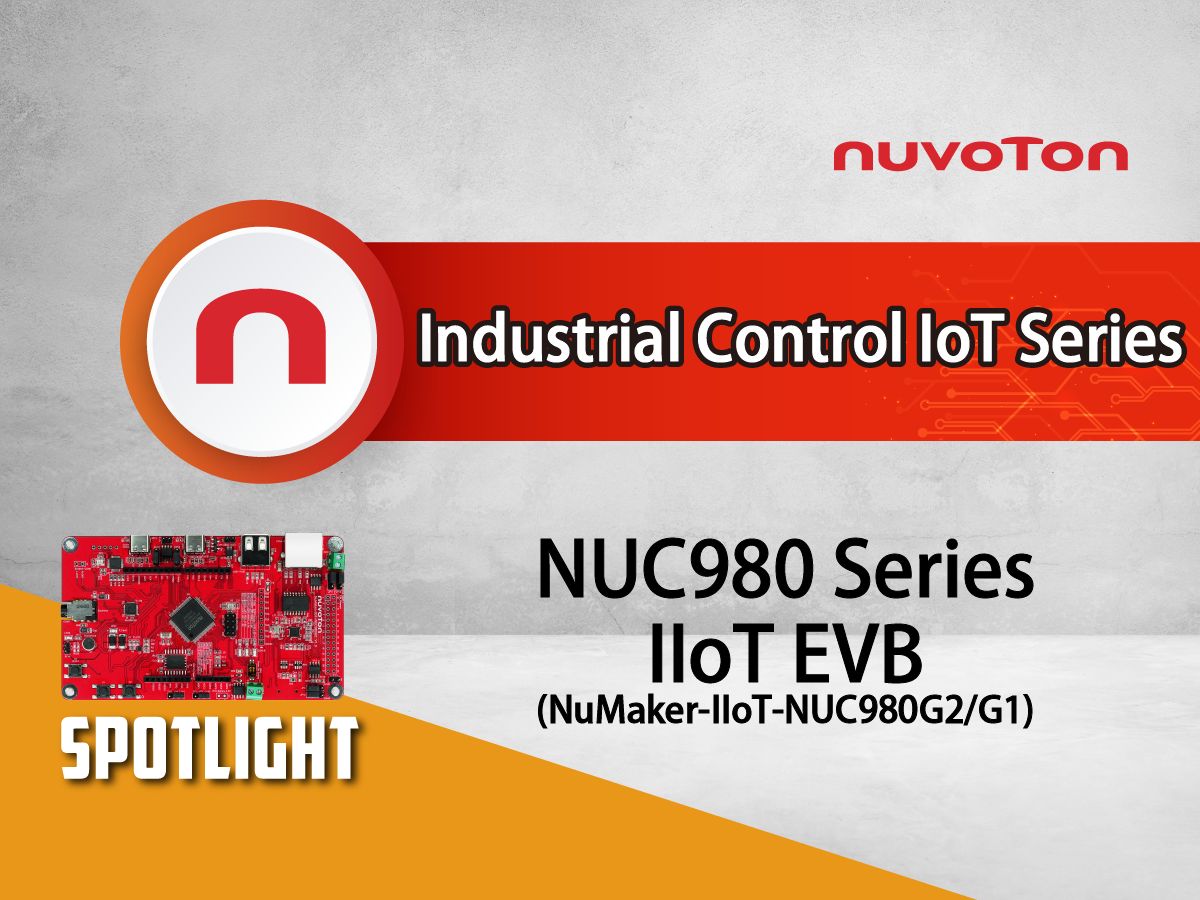
让使用者快速了解NuMaker-IIoT-NUC980G2/G1开发板的关键特性与应用支持。
【更多开发板信息】
- NuMaker-IIoT-NUC980G1:
https://www.nuvoton.com/products/iot-solution/iot-platform/numaker-iiot-nuc980g1/
- NuMaker-IIoT-NUC980G2:
https://www.nuvoton.com/products/iot-solution/iot-platform/numaker-iiot-nuc980g2/
#NUC980 #MPU #ARM9 #Microprocessor #IIOT #NewEnergy #Gateway #NewEnergyGateway #EVChargingStations #EnergyManagementSystem #Basic #General #Product #Application #Tool #Learning #zh-Hans
-
更多产品资讯,请至新唐科技网站 https://www.nuvoton.com/?utm_source=bb&utm_medium=video&utm_campaign=all
点我购买:https://nuvoton.world.tmall.com/
联络我们:SalesSupport@nuvoton.com
培训
学习
视频长度 - 9:8
MA35D1 摄像头HM1055应用及设备树讲解
#Sensor #HM1055摄像头 #V4L2 #CMOS #MA35D1 #Basic #Training #Learning #zh-Hans
-
更多产品资讯,请至新唐科技网站 https://www.nuvoton.com/?utm_source=bb&utm_medium=video&utm_campaign=all
点我购买:https://nuvoton.world.tmall.com/
联络我们:SalesSupport@nuvoton.com
培训
学习
视频长度 - 13:29
MA35D1 平臺上搭建 Qt5 遠程調試編程開發環境。
#Qt5 #Linux #MA35D1 #Basic #Training #Learning #zh-Hans
-
更多产品资讯,请至新唐科技网站 https://www.nuvoton.com/?utm_source=bb&utm_medium=video&utm_campaign=all
点我购买:https://nuvoton.world.tmall.com/
联络我们:SalesSupport@nuvoton.com
创新产品
学习
视频长度 - 4:57
本视频将介绍新唐 (Nuvoton) 如何使用 MA35D1 所有设计资源,Design Resource 是集合 MA35D1 所有相关的文件与软硬件资源,并将资源分门别类,减少使用者搜寻的时间。以 MA35D1-HMI 开发板为例,我们要得先了解这块开发板的特色,适合做哪些应用,利用 Design Resource 页面开始开发,以最快的速度看到你们自己的应用程序。
#MA35D1 #设计资源 #开发环境 #快速上手 #Basic #Product #Learning #zh-Hans #nuvoton #NuMicro
-
更多产品资讯,请至新唐科技网站 https://www.nuvoton.com/?utm_source=bb&utm_medium=video&utm_campaign=all
培训
学习
视频长度 - 16:59
Buildroot 开发 Linux 过程中,对一些常见问题的总结。
#MA35D1 #Buildroot #Linux #Basic #Training #Learning #zh-Hans #Nuvoton #新唐科技 #MCU
-
更多产品资讯,请至新唐科技网站 https://www.nuvoton.com/?utm_source=bb&utm_medium=video&utm_campaign=all
前瞻应用
学习
视频长度 - 11:45
介绍了 MA35D1 RTP M4 和 Linux 内核上程序之间互通运行以及 RTP M4 的开发环境。
#MA35D1 #RTP #M4 #Linux #MA35D1 RTP 简介 #如何加载 Cortex-M4 固件 #用Nu-Link2-Me调试RTP M4 #Cortex-M4和A35通信 #Basic #Application #Learning #zh-Hans #Nuvoton #新唐科技 #MCU
-
更多产品资讯,请至新唐科技网站 https://www.nuvoton.com/?utm_source=bb&utm_medium=video&utm_campaign=all
培训
学习
视频长度 - 14:33
下集介紹切換啟動設備(如從 SD 卡切成 NAND),客製根文件系統,保存用戶設定,重編系統。
#MA35D1 #Buildroot #Linux #Basic #Training #Learning #zh-Hans #Nuvoton #新唐科技 #MCU
-
更多产品资讯,请至新唐科技网站 https://www.nuvoton.com/?utm_source=bb&utm_medium=video&utm_campaign=all
 粤公网安备 44030502010001号